
A well-crafted meeting invitation does more than just secure a time slot on a calendar; it sets the tone for the entire interaction. It's often the first tangible touchpoint with a prospect, a client, or even a new team member, making it a critical opportunity to convey professionalism, clarity, and purpose. Standard calendar invites are functional, but they frequently lack the context and polish needed to stand out, especially in a competitive business environment where every detail matters.
Moving beyond the default and utilizing a dedicated meeting invitations template can transform a simple scheduling request into a powerful communication tool. This guide is built to help you navigate the best platforms offering customizable templates for any professional scenario, from critical sales demos and internal team syncs to high-stakes client consultations. We've compiled a comprehensive list of resources, complete with direct links and screenshots, to streamline your selection process.
You will discover what makes each resource unique, how to tailor templates for maximum impact, and ultimately, how to ensure your meeting requests are not just seen, but valued. We'll show you how to find the perfect template that helps convert interest into a confirmed meeting, solidifying that crucial first impression.
1. Canva
Canva is a powerhouse in the visual design space, making it an excellent resource for creating a visually compelling meeting invitations template. While primarily known for social media graphics and presentations, its vast library contains hundreds of professional and creative invitation designs suitable for everything from a high-stakes client demo to an informal team sync. Its drag-and-drop interface is exceptionally intuitive, empowering sales and marketing professionals without a graphic design background to produce high-quality, on-brand assets in minutes.
The platform’s strength lies in its blend of simplicity and robust features. Users can start with a pre-made template and easily customize colors, fonts, and logos to match their company’s branding. This is particularly useful for teams aiming to maintain a consistent and professional image across all client communications.
Key Considerations
- Best For: Teams needing visually rich, branded invitations without relying on a dedicated designer. Ideal for webinar promotions, special client events, or formal partnership meetings.
- User Experience: The interface is clean and user-friendly. Finding templates and using the editor requires almost no learning curve.
- Pricing: Canva offers a generous free plan that includes access to thousands of templates and design elements. The Pro plan unlocks premium templates, a brand kit for storing brand assets, and advanced collaboration features.
- Practical Tip: Use the "Brand Kit" feature (available in Pro) to preload your company’s logos, color palette, and fonts. This ensures every meeting invitations template you create is perfectly on-brand with just a few clicks. For a deeper understanding of structuring your invitation's content, you can explore different meeting invitation formats.
Visit Canva
2. Etsy
Etsy stands out as a global marketplace where independent creators offer unique, handcrafted digital products, including a vast array of meeting invitations template designs. It’s an ideal source for businesses seeking a more personalized or artisanal aesthetic that deviates from standard corporate templates. The platform connects you with countless small business owners and graphic artists, resulting in a selection that feels bespoke and creative, perfect for special client events or workshops.
The primary advantage of Etsy is the sheer diversity and originality of its offerings. Many templates are designed to be edited in user-friendly platforms like Canva or Templett, making customization straightforward. Since these are instant digital downloads, you can purchase and start personalizing your invitation within minutes.
Key Considerations
- Best For: Teams wanting a unique, non-corporate design for special events, client appreciation gatherings, or creative industry meetings. Excellent for supporting independent artists.
- User Experience: Browsing and purchasing is simple. However, the editing experience depends on the seller’s chosen platform (e.g., Canva, Adobe PDF, Templett), so check the product description carefully.
- Pricing: Prices are set by individual sellers and are typically very affordable, often as a one-time purchase. There are no subscriptions, but quality and included support can vary between shops.
- Practical Tip: Always read the item details to understand which software is required for editing your chosen meeting invitations template. Many sellers also offer customization services for a small extra fee if you need help with a specific design element.
Visit Etsy
3. Zazzle
Zazzle excels in the realm of physical, high-quality invitations, making it a unique resource for events where a digital-only approach falls short. The platform is an online marketplace renowned for its extensive customization and professional printing services. While a physical meeting invitations template may seem traditional, it adds a memorable, high-impact touch for exclusive client events, product launches, or annual stakeholder meetings, setting your brand apart in a digitally saturated environment.
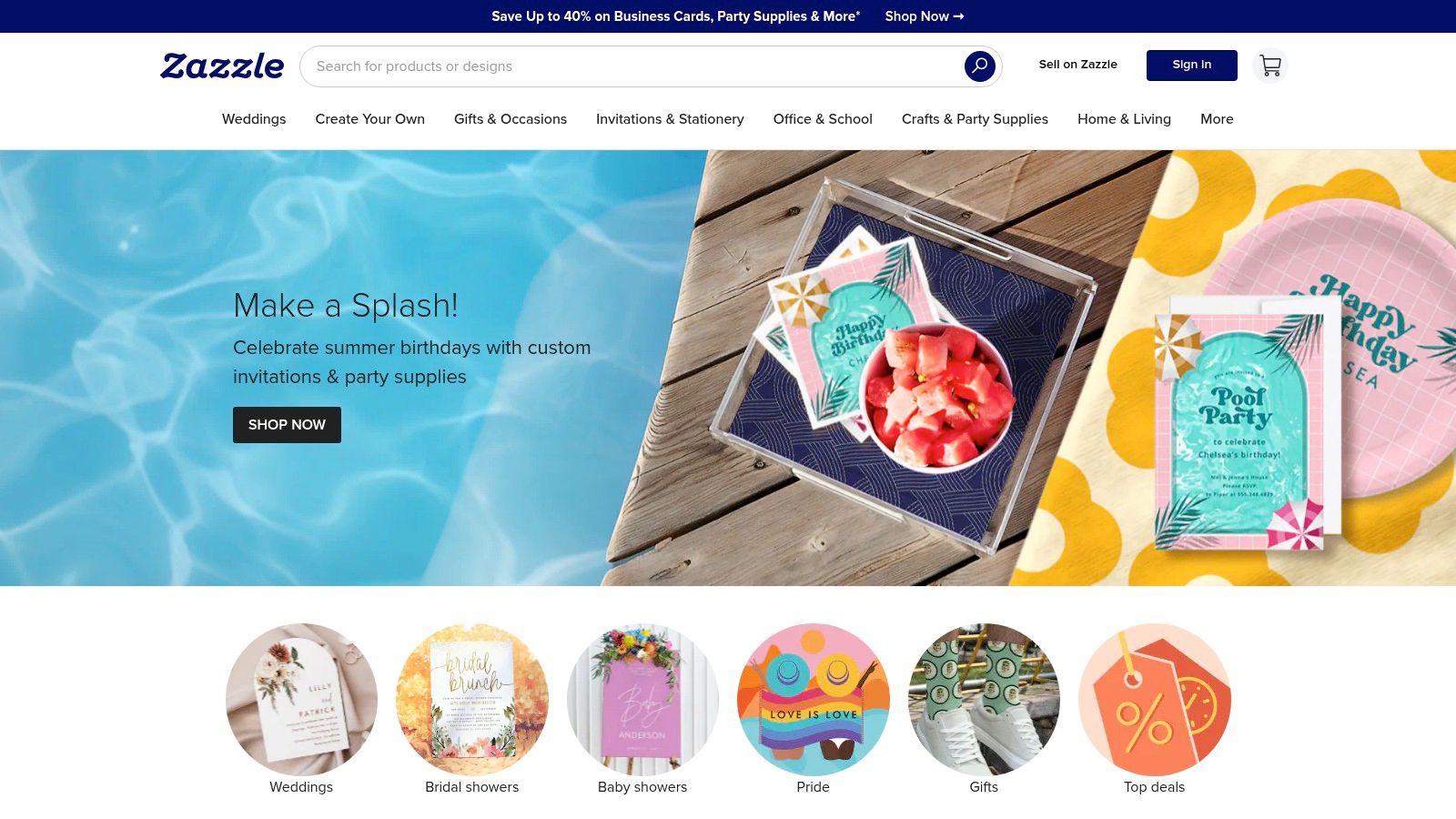
The primary advantage of Zazzle is the tangible quality it delivers. Users can select from a vast library of designs and then personalize them with their own logos, text, and images. The platform's strength lies in its ability to handle both small and large-scale orders with options for premium paper types and finishes, ensuring the final product reflects a professional and polished brand image.
Key Considerations
- Best For: High-stakes physical events like executive roundtables, VIP client appreciation dinners, or formal corporate announcements where a premium, tangible invitation is required.
- User Experience: The design interface is straightforward, allowing for easy customization. However, navigating the sheer volume of options can sometimes be overwhelming for new users.
- Pricing: Costs vary significantly based on design complexity, paper quality, and order quantity. While more expensive than digital options, Zazzle frequently offers discounts, and bulk ordering can reduce the per-unit price.
- Practical Tip: Always order a single proof before placing a large bulk order. This allows you to check the color accuracy, paper quality, and overall finish, preventing costly mistakes and ensuring your meeting invitations template looks exactly as intended.
Visit Zazzle
4. Paperless Post
Paperless Post elevates digital communication by offering sophisticated and elegant designs, making it a premier choice for a high-impact meeting invitations template. While often associated with personal events, its professional collection is perfect for exclusive client previews, VIP networking events, or high-level stakeholder meetings where making a refined impression is critical. It moves beyond a simple email to deliver a full event experience, complete with RSVP tracking and guest messaging.
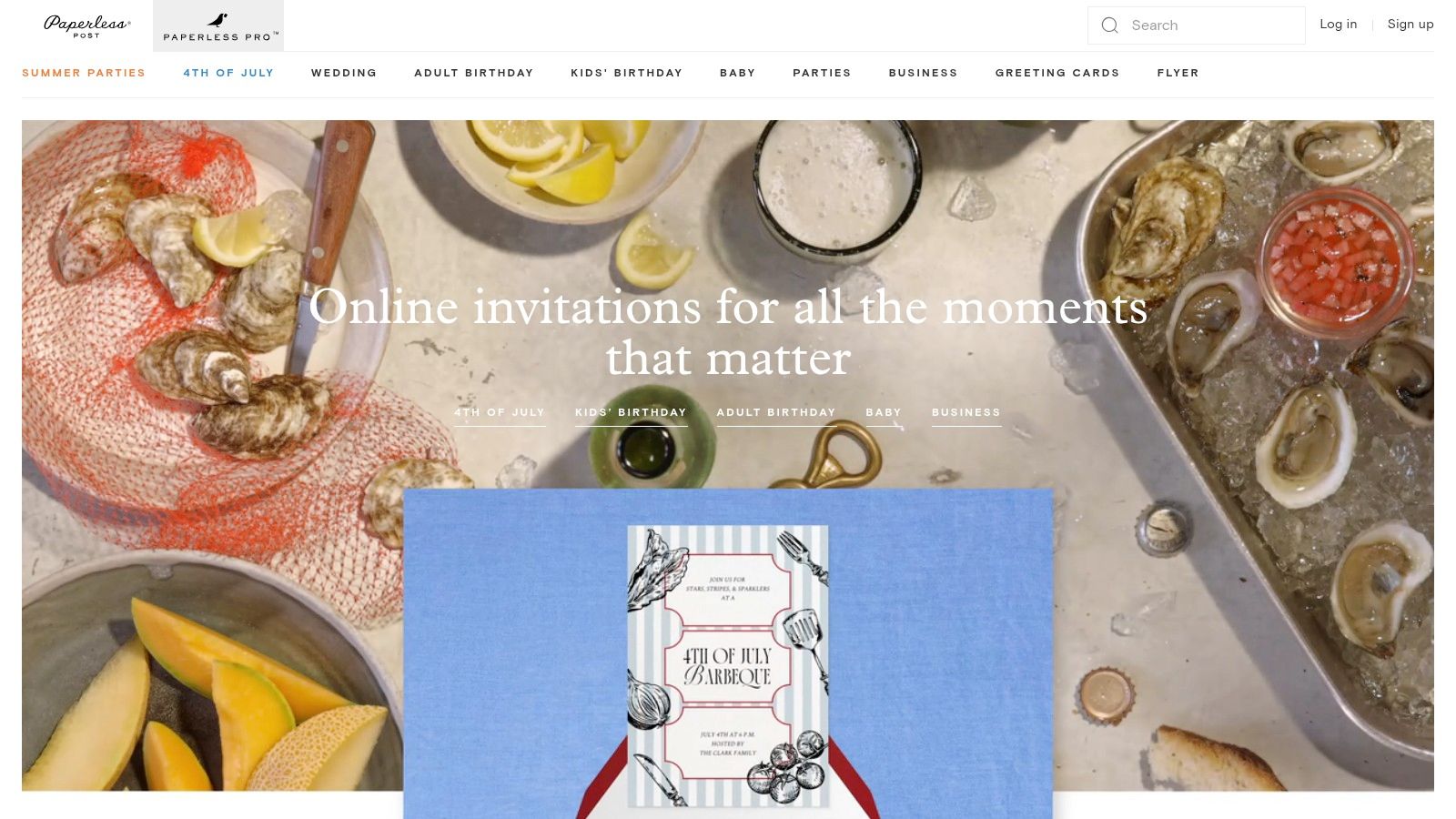
The platform’s standout feature is its collaboration with renowned designers, providing exclusive templates that you won't find elsewhere. This allows sales and marketing teams to send invitations that feel bespoke and luxurious, setting a prestigious tone before the meeting even begins. The integrated event management tools streamline the entire process from sending to follow-up.
Key Considerations
- Best For: High-stakes corporate events, executive board meetings, or client appreciation gatherings where design elegance and a premium feel are paramount.
- User Experience: The interface is clean, stylish, and focused on the design process. Customizing invitations and managing guest lists is straightforward and intuitive.
- Pricing: The platform operates on a "Coins" system for premium designs and features like custom backdrops and logos. Free options are available, but the most impressive designs require purchasing Coins.
- Practical Tip: Use the integrated RSVP tracking and follow-up messaging tools to engage with attendees directly through the platform. This centralizes communication and provides a seamless experience for your high-value guests.
5. PosterMyWall
PosterMyWall stands out for its vast collection of templates that cater to both digital and print needs, making it a versatile tool for creating a meeting invitations template. With a library boasting thousands of designs, it's particularly useful for businesses that want to create invitations for physical events, such as open houses or in-person workshops, alongside their digital outreach for webinars and online meetings. Its editor is straightforward, allowing for quick customizations even for users with minimal design experience.
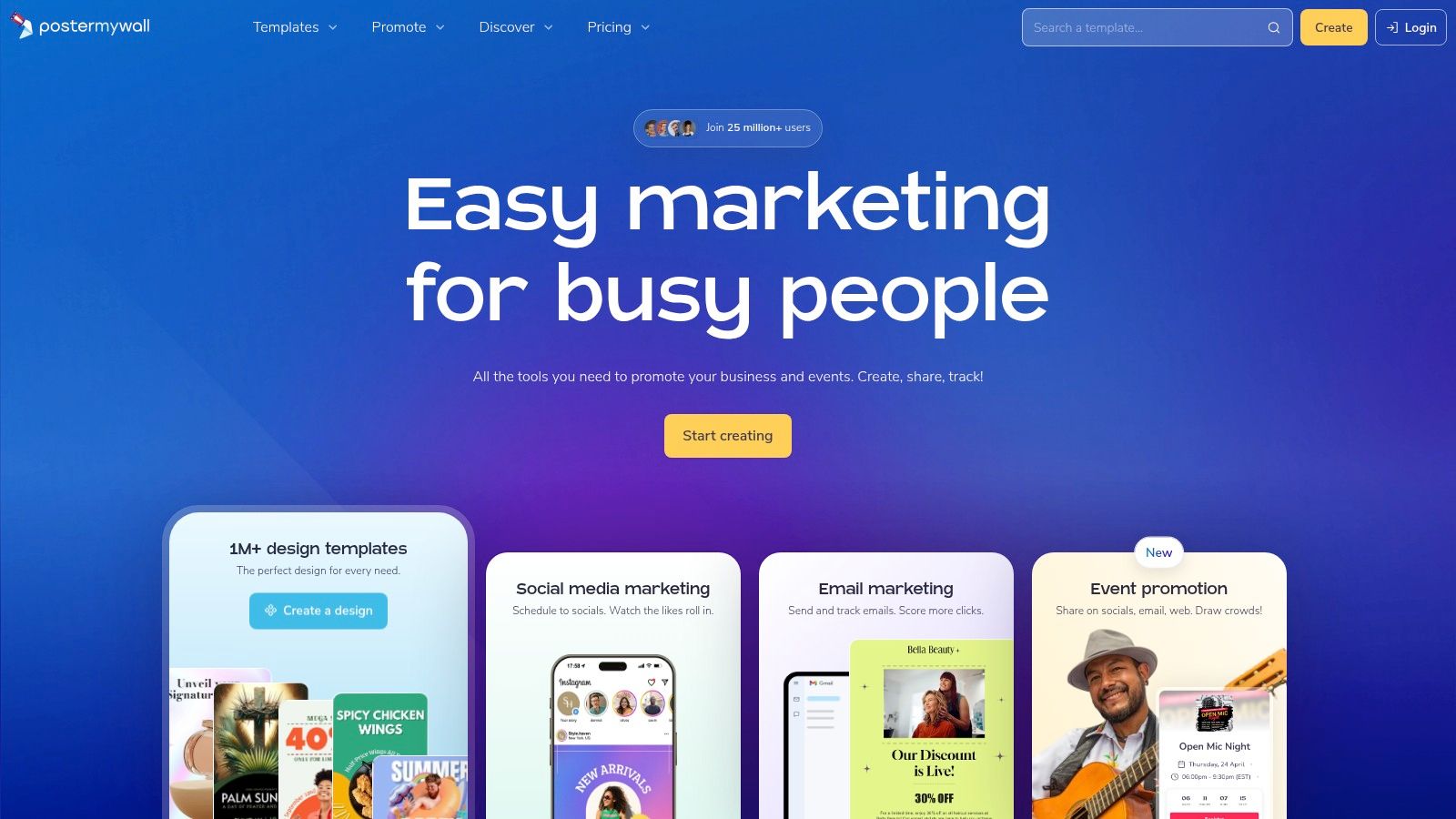
The platform’s key differentiator is its seamless integration of digital sharing and physical printing. You can design an invitation, share it directly to social media platforms, and then order high-quality prints all from the same interface. This dual-purpose functionality is ideal for marketing and sales teams executing multi-channel campaigns.
Key Considerations
- Best For: Teams managing both online and offline events that need a unified tool for creating print-ready and digital invitations.
- User Experience: The design interface is intuitive, featuring drag-and-drop functionality that simplifies the customization process.
- Pricing: A free plan is available, which is great for exploration, but downloads may contain a watermark. Premium subscriptions unlock high-resolution downloads, remove watermarks, and provide access to advanced collaboration tools.
- Practical Tip: When creating a meeting invitations template for an online event, leverage PosterMyWall's video background feature to create an animated, eye-catching invitation that can be shared as a GIF or MP4 on social media to boost engagement.
6. Vistaprint
Vistaprint is a trusted name in online printing, making it a go-to choice when you need a physical meeting invitations template for significant events. While digital invites are standard, a professionally printed invitation can make a powerful impression for high-value client events, annual shareholder meetings, or exclusive product launches. The platform offers a wide selection of customizable designs tailored for business and formal occasions.
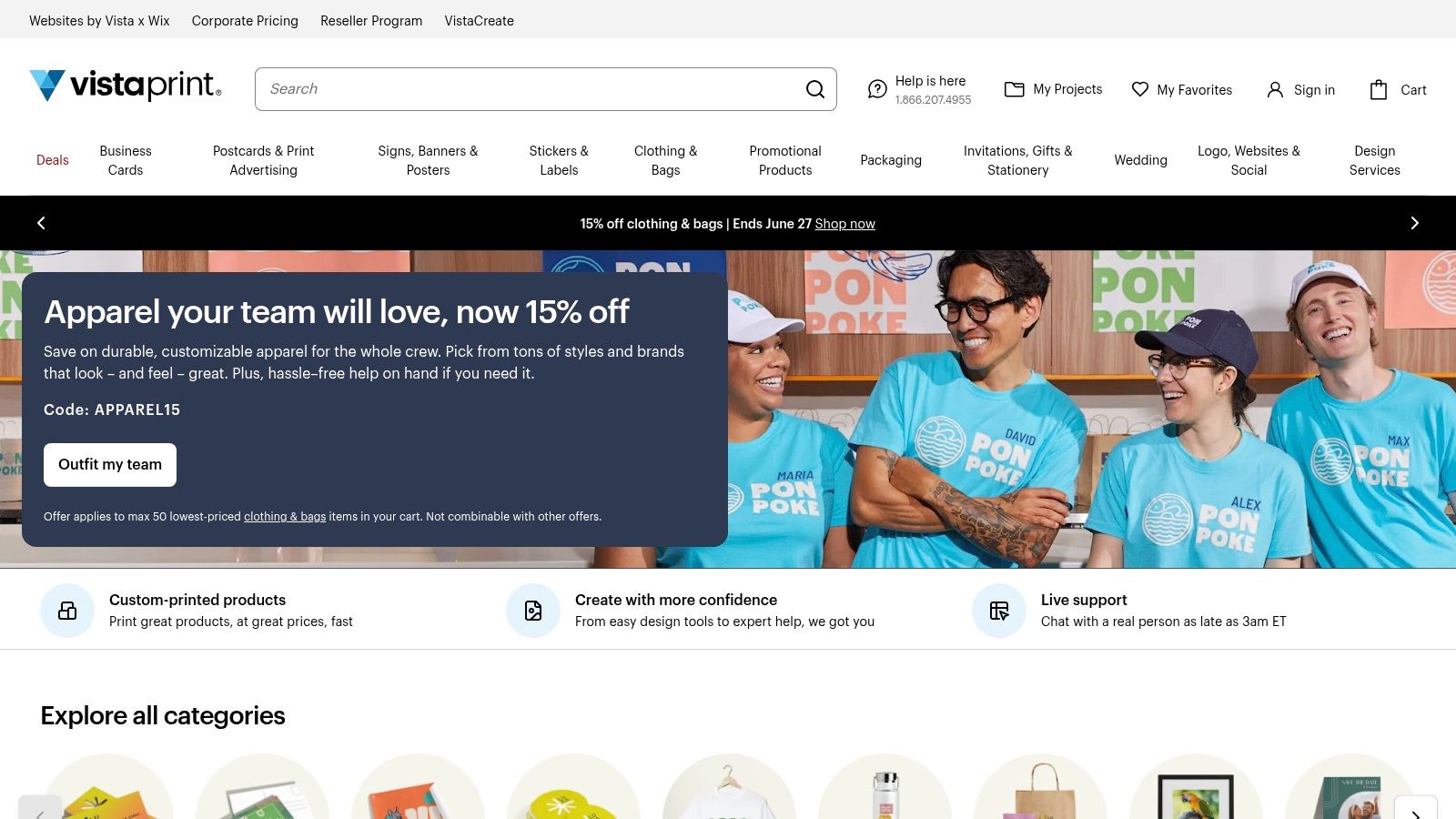
The primary advantage of Vistaprint is its seamless integration of design and high-quality production. Users can easily adapt a template with their company logo and event details or upload a complete design. The ability to order in bulk with volume discounts makes it a cost-effective solution for larger gatherings, ensuring a consistent and professional touch across all your physical correspondence.
Key Considerations
- Best For: Sales and marketing teams organizing significant in-person events where a tangible invitation adds a level of prestige and impact.
- User Experience: The design interface is straightforward and user-friendly, guiding you through customization and printing options without a steep learning curve.
- Pricing: Pricing is competitive and based on quantity, paper stock, and finish. Frequent promotions and bulk discounts offer excellent value. Shipping costs and times are additional factors to consider in your timeline.
- Practical Tip: Always order a sample or a small initial batch if time permits. This allows you to verify the paper quality, color accuracy, and overall feel of the invitation before committing to a large print run for your important meeting invitations template.
7. Evite
Evite is a household name in digital invitations, and while it's often associated with social gatherings, its platform is surprisingly effective for business use. It provides a straightforward way to create and send a meeting invitations template with powerful, built-in RSVP tracking. This makes it an excellent choice for events where headcount is critical, such as workshops, product launch webinars, or client appreciation events. The platform removes the friction of manual follow-ups by automating reminders and centralizing guest responses.
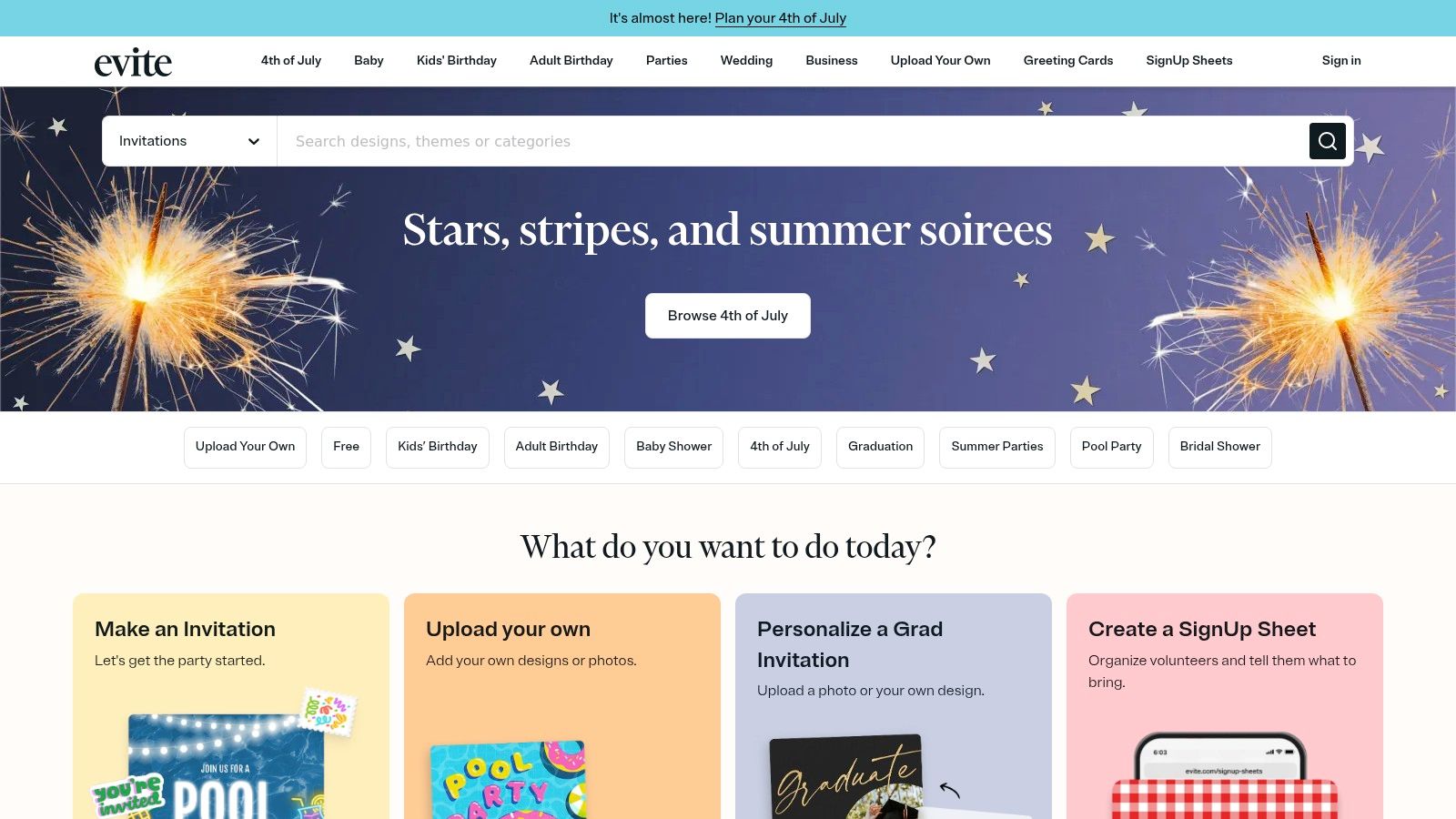
The primary advantage of Evite is its event management-centric approach. Beyond just a design, you're creating a mini-hub for your meeting. This is especially useful for sales or marketing teams organizing larger-scale meetings that require more coordination than a simple calendar invite allows.
Key Considerations
- Best For: Sales and marketing teams managing guest lists for webinars, training sessions, or informal networking events where RSVP management is a priority.
- User Experience: The interface is very intuitive and designed for speed. Creating and sending an invitation can be done in minutes, even for first-time users.
- Pricing: Evite offers many free templates, which are supported by ads. The Premium version removes ads, unlocks more professional designs, and provides enhanced customization options for a per-event fee or an annual subscription.
- Practical Tip: Leverage the guest messaging feature to send targeted updates or pre-meeting materials directly to attendees who have RSVP'd. For further insights on crafting the perfect email to accompany your invitation, you can review best practices for meeting invitation emails.
8. Punchbowl
Punchbowl specializes in high-quality digital invitations that closely mimic the experience of receiving a physical card, making it a unique choice for a meeting invitations template. The platform excels at creating an engaging recipient experience, with animated envelopes, customizable liners, and digital stamps. While often associated with social events, its sophisticated designs are well-suited for special business occasions like client appreciation events, holiday parties, or milestone celebrations.
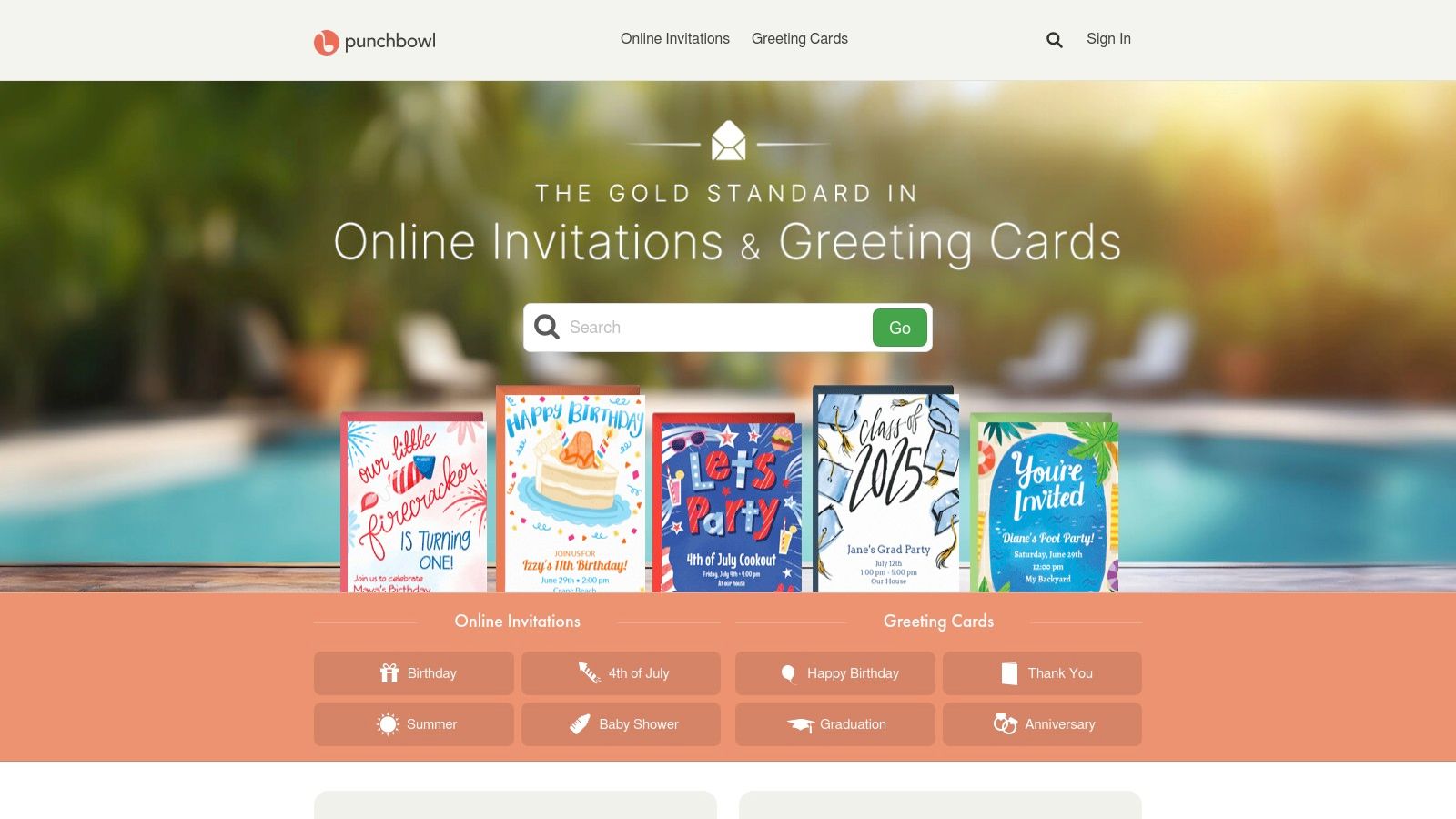
Its strength lies in comprehensive event management features integrated directly into the invitation. Beyond a simple RSVP, you can track responses, send updates to guests, and manage communications all within its user-friendly interface. This makes it ideal for events requiring more coordination than a standard calendar invite allows.
Key Considerations
- Best For: High-touch client events or internal company celebrations where a premium, personalized feel is important.
- User Experience: The interface is intuitive, guiding users through the creation process smoothly. Managing guest lists and tracking RSVPs is straightforward, even on its mobile app.
- Pricing: Punchbowl offers a free tier that includes ads. Paid plans unlock premium designs, an ad-free experience, and advanced features like adding potluck lists or polls.
- Practical Tip: Leverage the guest messaging feature to send a "know before you go" email with the agenda, parking information, or a link to a pre-meeting survey. This adds a professional touch and ensures attendees are well-prepared.
9. Greenvelope
Greenvelope elevates the digital invitation by focusing on elegant, high-quality designs that mimic the experience of opening a premium paper invitation. It is an excellent choice for important business events like product launches, investor relations meetings, or annual client appreciation galas. The platform provides a sophisticated meeting invitations template library that feels more exclusive and formal than many general-purpose design tools, reinforcing a professional and eco-conscious brand image.
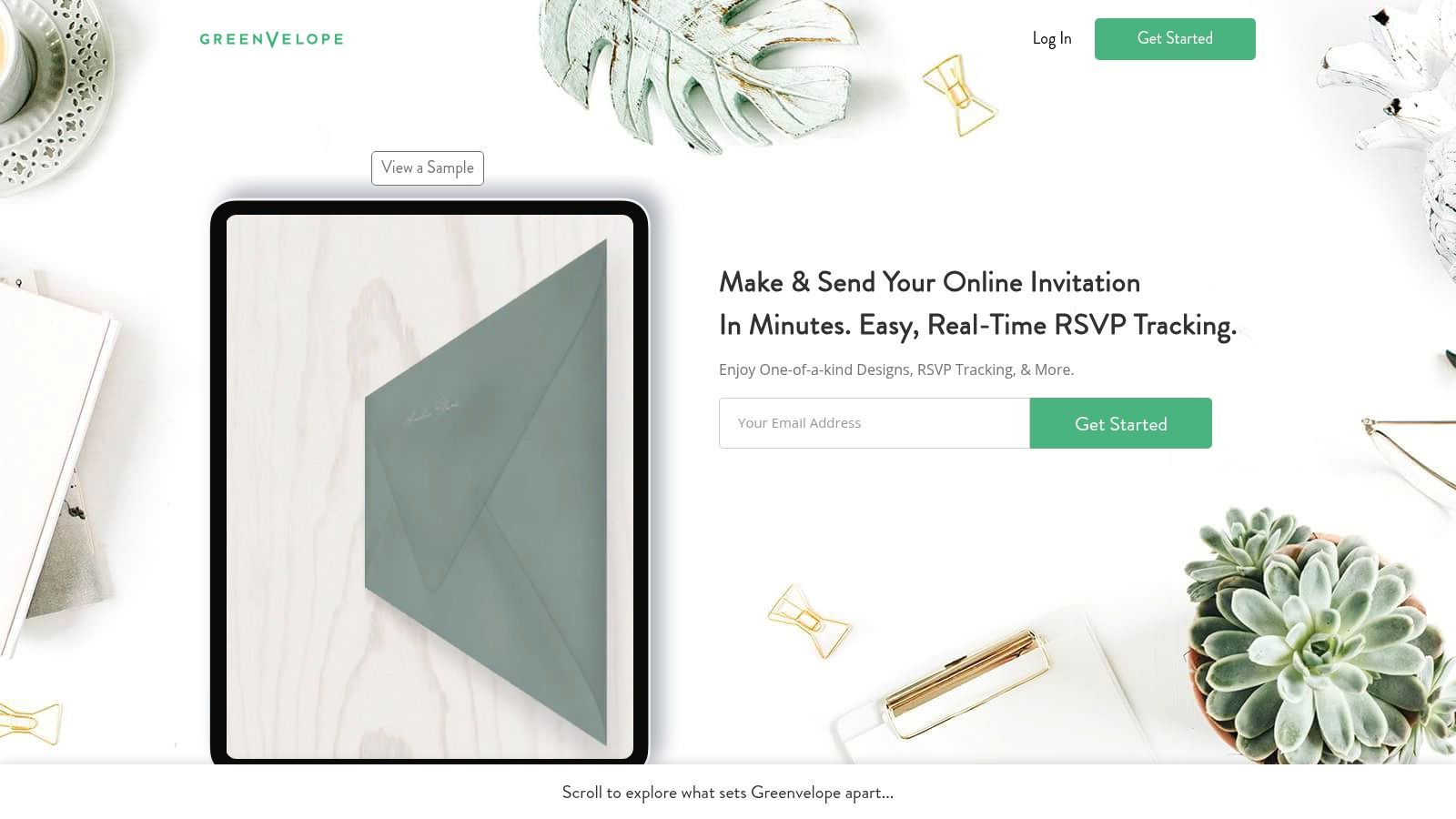
Its distinction lies in its comprehensive event management features built directly into the invitation process. Beyond simple RSVP tracking, Greenvelope allows you to embed surveys, collect meal preferences, or manage complex guest lists directly from its dashboard, making it a powerful tool for coordinating detailed corporate functions.
Key Considerations
- Best For: Formal corporate events, high-stakes client meetings, and businesses that want to project an eco-friendly and sophisticated brand image.
- User Experience: The interface is clean and centered around the invitation-building process. Customization is straightforward, and the guest management dashboard is intuitive for tracking responses and details.
- Pricing: Greenvelope operates on a package-based model (e.g., pricing for up to 20 recipients, up to 50, etc.). There is no free version, which positions it as a premium service for important communications.
- Practical Tip: Leverage the built-in messaging system to send updates or reminders to your guests. This keeps all event-related communication centralized within the Greenvelope platform, ensuring a seamless experience for attendees.
10. Template.net
Template.net positions itself as a massive digital library for professionals, offering an extensive collection of a meeting invitations template for nearly any conceivable business scenario. Its unique strength is its format diversity; unlike online-only editors, it provides templates in downloadable formats like Microsoft Word, Adobe Photoshop (PSD), and Illustrator (AI). This approach caters to professionals who prefer to work within familiar, powerful desktop software for ultimate control over the final design.
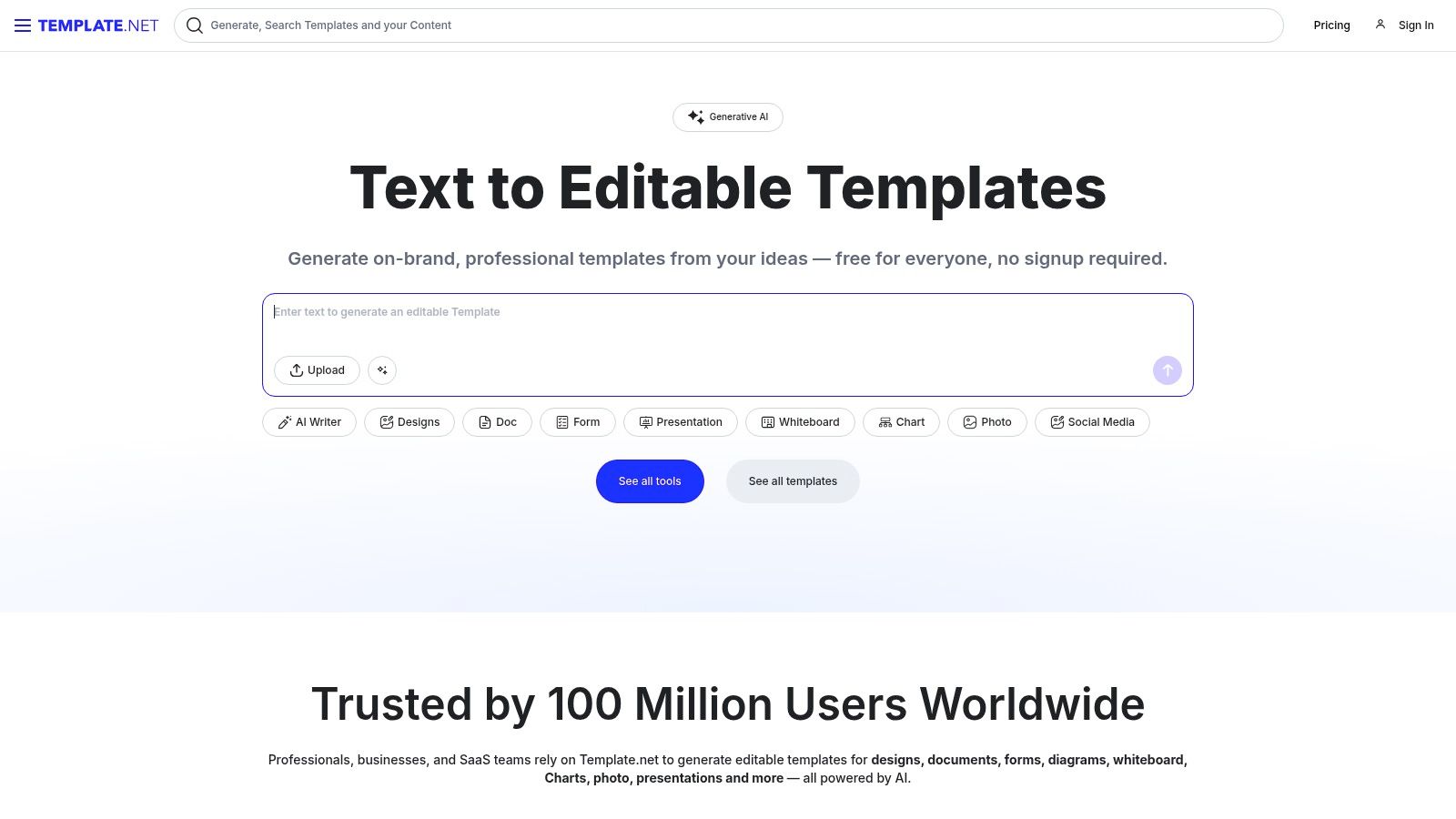
The platform is ideal for those who need a solid, professionally designed starting point but want the flexibility to make deep, granular edits offline. From formal board meeting notices to creative workshop invitations, the sheer volume of options ensures that users can find a design that closely matches their industry and tone.
Key Considerations
- Best For: Individuals or teams comfortable with standard design software (like Word or Adobe Creative Suite) who need a high-quality, editable file rather than an online design tool.
- User Experience: The website is straightforward for browsing and downloading templates. The editing experience depends entirely on the user's proficiency with the software required for the chosen template file.
- Pricing: Template.net offers a mix of free and premium templates. Full access to their entire library, including premium designs and features, requires a subscription plan.
- Practical Tip: Before downloading, check the file format compatibility. If your team primarily uses Microsoft Office, filter your search for a meeting invitations template available in Word to ensure everyone can easily access and modify the document without needing specialized design software.
11. Adobe Spark
Adobe Spark, now known as Adobe Express, is a powerful online and mobile design app that empowers users to create a professional meeting invitations template with ease. As part of the Adobe ecosystem, its key advantage is the seamless integration with Adobe Creative Cloud, allowing teams to pull in branded assets, stock photos, and other creative elements directly into their invitation designs. Its drag-and-drop editor simplifies the creation process, making it accessible even for those without a design background.
This platform is particularly effective for teams already invested in Adobe's suite of products. The ability to create a project, share it with team members for feedback, and quickly finalize a design streamlines the workflow for producing marketing materials for webinars or special client events. It offers a solid balance between user-friendly tools and professional-grade creative capabilities.
Key Considerations
- Best For: Teams that use Adobe Creative Cloud and need to quickly create professional, on-brand digital invitations for events, webinars, or important stakeholder meetings.
- User Experience: The interface is clean, intuitive, and consistent with other Adobe products. Finding templates and customizing them is a straightforward process.
- Pricing: Adobe Express offers a robust free plan with access to many templates and photos. The Premium plan unlocks the full asset library, brand management tools, and more advanced features.
- Practical Tip: Leverage the collaboration features to get team input on your invitation design. For international meetings, ensure your design clearly communicates time details, a skill you can refine by learning more about scheduling across different time zones.
Visit Adobe Spark (now Adobe Express)
12. Greetings Island
Greetings Island offers a straightforward and accessible solution for creating a meeting invitations template with zero friction. It is particularly valuable for teams or individuals needing a quick, no-fuss design without the requirement of signing up for an account. The platform provides a wide selection of templates suitable for various professional events, from casual team get-togethers to more formal client-facing announcements. Its primary appeal is its simplicity and speed, allowing users to customize and dispatch an invitation in minutes.
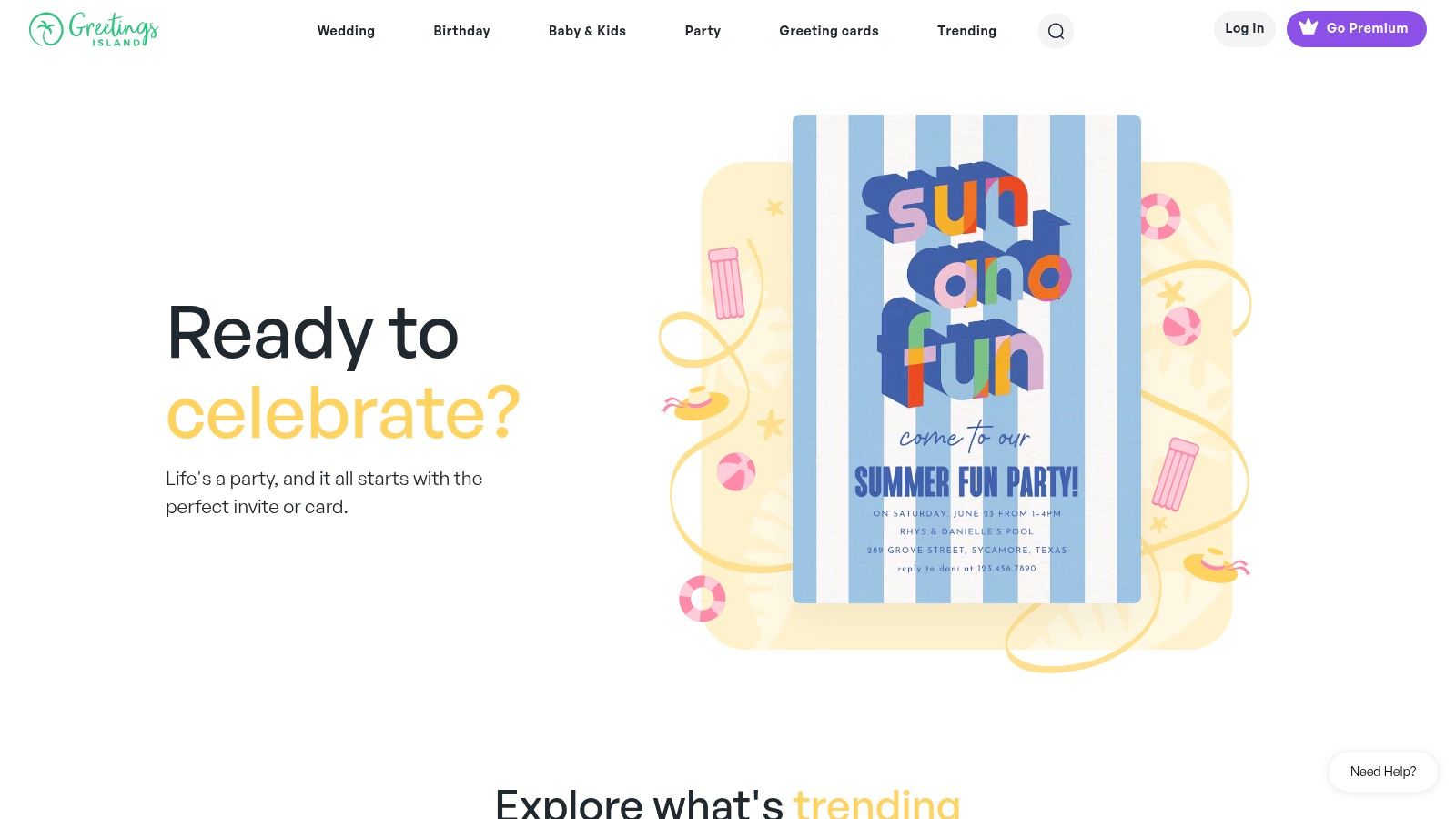
The platform is designed for immediate use, offering an intuitive editor to modify text, colors, and other basic elements. Once customized, invitations can be downloaded for printing or shared directly via email or social links, making it a flexible tool for different communication strategies. While it lacks the advanced branding features of more robust design suites, its convenience is unmatched for one-off events or urgent needs.
Key Considerations
- Best For: Individuals or small teams needing to create and send a professional-looking invitation quickly without any account setup or software installation.
- User Experience: The interface is extremely simple and self-explanatory. Users can select, edit, and download a template seamlessly with no learning curve.
- Pricing: A large collection of templates is available for free. A premium subscription is offered to unlock exclusive designs and remove watermarks.
- Practical Tip: Use Greetings Island when you need a simple, visually appealing meeting invitations template for an internal workshop or an informal client event. Since advanced branding isn't a feature, focus on clear messaging and event details to ensure a professional impression.
Top 12 Meeting Invitation Template Platforms Comparison
| Platform | Core Features ✨ | User Experience ★★★★☆ | Value Proposition 💰 | Target Audience 👥 | Unique Selling Points 🏆 | Price Points 💰 |
|---|---|---|---|---|---|---|
| Canva | Drag-and-drop templates, collaboration | Intuitive, beginner-friendly | Free tier, premium templates | Individuals, teams, marketers | Extensive free template library ✨ | Free + Premium ($) |
| Etsy | Unique designs by creators, instant download | Varies by seller | Supports small artists | Buyers seeking unique invites | Direct seller communication 🏆 | Pay per template ($) |
| Zazzle | Customizable invites, printing & bulk order | User-friendly interface | High-quality print options | Print buyers, event hosts | Bulk discounts, logo personalization 🏆 | Pay per order ($) |
| Paperless Post | Digital invites with RSVP, event tools | Stylish, professional | Eco-friendly alternative | Corporate & personal events | RSVP tracking, no ads on invites 🏆 | Free + Premium ($) |
| PosterMyWall | 5,000+ templates, social media integration | Easy-to-use editor | Large free template collection | Casual & professional users | Social media sharing, prints option ✨ | Free + Premium ($) |
| Vistaprint | Custom designs, printing, bulk discounts | Reliable and straightforward | Competitive pricing | Corporate & bulk print customers | Envelope printing, volume discounts 🏆 | Pay per order ($) |
| Evite | Invitation library, RSVP, guest messaging | Quick setup, mobile app | Free with ads, premium available | Casual users, event planners | Polls, sign-up lists, mobile app 🏆 | Free + Premium subscription ($) |
| Punchbowl | Custom envelopes, RSVP, event management | Smooth and user-friendly | Free with ads, subscription option | Families, parties, events | Licensed characters, potluck lists 🏆 | Free + Subscription ($) |
| Greenvelope | Elegant digital invites, RSVP, surveys | Professional and eco-conscious | Environmentally friendly | Eco-conscious & corporate users | Advanced event management 🏆 | Paid only ($) |
| Template.net | Editable templates in Word, PSD, AI | Standard software editing | Wide industry template range | Professionals needing editable files | Multi-format templates, updated regularly ✨ | Free + Premium ($) |
| Adobe Spark | Drag-and-drop, Adobe CC integration | User-friendly, collaborative | Free tier with Adobe integration | Creative professionals & teams | Adobe Creative Cloud sync 🏆 | Free + Premium ($) |
| Greetings Island | Easy editor, print or digital sharing | Simple and fast | No sign-up for basics | Casual users, quick invitations | No sign-up required ✨ | Free + Premium ($) |
From Template to Conversion: Automating Your Scheduling Workflow
Navigating the landscape of meeting invitation templates can feel overwhelming, but as we've explored, the right choice hinges entirely on your specific context and goals. From the polished, visually-driven designs of Canva and Paperless Post for special corporate events to the practical, text-based structures essential for recurring professional communication, a solid template is your starting point for making a great impression. This article has provided a comprehensive toolkit, demonstrating that a well-crafted meeting invitations template is more than just a formality; it's a strategic asset in your communication arsenal.
However, the true measure of a template's success isn't its design alone, but its effectiveness in securing a commitment. For high-velocity B2B sales and revenue operations teams, the manual process of copying, pasting, and personalizing invitations introduces friction and delay. Every minute spent toggling between a calendar, CRM, and email is a minute lost, allowing a prospect's initial interest to cool. This is where the strategic implementation of automation becomes a game-changer, transforming a static template into a dynamic, conversion-focused system.
Bridging the Gap Between Interest and Action
The core takeaway is this: while a meeting invitations template provides the essential blueprint for what to say, automation provides the engine to deliver that message instantly and accurately. The ultimate goal for any sales-driven organization is not merely to send aesthetically pleasing invites but to build a seamless pipeline that converts inbound interest into booked meetings with minimal friction. This requires a shift in thinking from manual execution to automated efficiency.
Consider these key factors when moving from a template-based approach to an automated workflow:
- Speed to Lead: In a competitive market, the team that responds first often wins. Automation ensures that a personalized meeting invitation, based on your proven template, is sent the moment a lead submits a demo request form.
- Accuracy and Routing: Manual lead assignment is prone to error and delay. Intelligent routing tools can analyze form data in real-time to assign the lead to the correct sales representative based on territory, industry, or team availability, ensuring the invitation comes from the right person.
- Scalability: As your team grows and inbound lead volume increases, manual processes break down. An automated system scales effortlessly, handling hundreds of requests with the same precision and speed as it handles one.
Choosing Your Path Forward
To truly optimize your invitations for conversion, considering insights on crafting high-converting templates is essential for any communication channel. The principles of clarity, value, and a strong call to action are universal. Once your message is perfected, your next step is to choose the right implementation strategy. For one-off events, the design tools we've covered are perfect. But for the critical, revenue-generating function of booking sales demos and client meetings at scale, you must look beyond the template itself and embrace the power of automation.
Your perfect meeting invitations template is the key, but automation is the engine that turns that key, unlocking a streamlined workflow that drives conversations, builds relationships, and ultimately, accelerates revenue growth.
Ready to stop manually scheduling and start converting inbound interest into booked meetings instantly? Distro takes your best-performing meeting invitation templates and automates the entire process, from lead routing to calendar invite. See how Distro can transform your sales pipeline today.