
We’ve all been there. You think you’ve nailed the perfect meeting time, only to get a flurry of confused Slacks and a no-show. Scheduling meetings across different time zones can feel like a simple puzzle, but one wrong move has consequences that go way beyond an awkward missed call.
The real damage isn't just lost time. It’s the slow drip of lost productivity, strained relationships, and tanking team morale. For any business with a global footprint, getting this right isn't just a nice-to-have; it's a core operational skill.
The True Cost of Botched Time Zone Scheduling

Let's be real—a scheduling mistake is more than just an oops. It’s a direct hit to your business.
Picture this: your top sales rep in San Francisco is trying to land a huge client in Tokyo. They send an invite for 9 AM their time, completely forgetting that's 2 AM for the prospect. That’s not just a missed meeting. It screams a lack of attention to detail and, frankly, a lack of respect for the client’s time. That deal just got a lot harder to close.
And it’s not just about clients. Your internal team feels the pain, too. If you’re constantly asking a developer in Poland to jump on a 6 PM PST call (which is 3 AM for them), you’re not just being inconsiderate. You're fast-tracking them to burnout.
These "small" slights add up, creating a culture of resentment where some team members feel like their time is worthless.
Beyond Missed Meetings: The Ripple Effect
The fallout from bad global scheduling spreads like a ripple in a pond. This isn't just about calendars; it's about the health of your company culture and the efficiency of your operations. The hidden costs are usually the most painful.
- Project Delays: One critical sync-up gets missed because of a time zone flub. Suddenly, an entire project sprint is on hold, waiting for the next sliver of time that works for everyone. Momentum, lost.
- Reduced Team Morale: When the same people are always taking the hit with late-night or early-morning calls, it creates an "us vs. them" vibe. This kills collaboration and can lead to good people walking out the door.
- Strained Client Relationships: Mess up scheduling once with a client, it's a mistake. Do it repeatedly, and you look disorganized and unprofessional. Trust erodes, and so does your brand's reputation.
This is a massive challenge. A 2022 Deloitte survey found that 63% of executives see time zone alignment as a critical piece of managing performance on global teams. You can find more data on how time zones affect remote teams over at psico-smart.com.
The real cost isn't measured in missed appointments, but in lost momentum, fractured trust, and the slow decay of a once-cohesive team. Mastering scheduling across time zones is less about finding a tool and more about adopting a global-first mindset.
Build a Smarter Global Meeting Culture
Even the best scheduling tools are only as good as the culture you build around them. Before you even think about the tech, you have to get the human side of things right. A solid foundation built on team-centric practices is what actually prevents burnout and keeps productivity high.
It all starts by ditching the old "headquarters-first" mentality. You know the one—where one office dictates the schedule for everyone else. Instead, successful global teams build a framework that respects everyone's local time. A simple but incredibly powerful way to do this is by establishing core collaboration hours. This is just a set block of time where everyone’s workday overlaps, even if it's only for a couple of hours.
Let's take a classic tough-to-schedule team spread across San Francisco (PST), London (GMT), and Bangalore (IST). Finding a perfect time is a pipe dream. But a viable core window could be 7:00 AM to 9:00 AM PST. That’s 3:00 PM to 5:00 PM in London and a late 7:30 PM to 9:30 PM in Bangalore. It's not ideal for everyone, but it creates a predictable window for those high-priority, real-time conversations.
Share the Scheduling Burden Fairly
Even with core hours locked in, someone's going to have to take a meeting outside their normal 9-to-5. It's unavoidable. The key is making sure this inconvenience is shared and doesn't constantly fall on the same people or the same office.
A fair way to handle this is to simply rotate the inconvenient meeting times. If the London team had to stay late for this week's big call, the next one should be scheduled to favor them—even if it means an early start for the folks in San Francisco. This simple rotation builds a ton of goodwill and sends a clear message: everyone's personal time is valued.
A respectful scheduling culture isn't about finding a time that’s perfect for everyone—that’s often impossible. It’s about creating a system where the inconvenience is distributed fairly and transparently over time.
This cultural shift hinges on clear communication protocols. Every single meeting invite needs to explicitly list multiple time zones, like "Meeting at 9:00 AM PST / 5:00 PM GMT / 10:30 PM IST." This gets rid of the guesswork and mental gymnastics of time zone math, which is a massive, and common, source of frustration. When you don't handle time zones properly, miscommunication is almost guaranteed, especially in B2B settings. For more on this, check out these excellent tips for successful international remote work.
Practical Steps for a Better Culture
Creating a culture that really works across continents takes more than just sending calendar invites. You need intentional policies that put clarity and empathy first. Here are a few ideas you can put into action right away:
- Default to Asynchronous: Make detailed written updates and quick, recorded video messages the standard. This takes the pressure off needing to meet in real-time for every little status update.
- Set Clear Agendas: Every meeting absolutely must have a clear purpose and an agenda sent out well ahead of time. This lets people in awkward time zones decide if they really need to be there live or if they can just catch up later.
- Empower Local Teams: Give your regional teams the autonomy to manage their own schedules and collaborate amongst themselves. They only need to loop in the broader global team when it’s truly essential.
When you put these human-first approaches into practice, you build a resilient and respectful work environment. Combine that strong cultural foundation with the right technology, and you've unlocked the best way to schedule meetings for peak efficiency and a happier team.
How To Choose Your Time Zone Scheduling Assistant
Let's be honest: manually trying to schedule meetings across different time zones is a fast track to headaches and missed connections. The right piece of tech isn't just a nice-to-have; it's the bridge between a smart global meeting strategy and actually pulling it off without a hitch.
Choosing the right tool isn’t about ticking off the most features. It's about zeroing in on the ones that solve your team's biggest, most frustrating scheduling problems. Modern scheduling assistants do way more than just show a calendar. The best ones handle time zone detection automatically and sync seamlessly with the calendars your team lives in every day, like Google Calendar or Outlook.
This infographic breaks down how a smart tool can totally transform the scheduling process, from that first outreach all the way to a confirmed meeting.
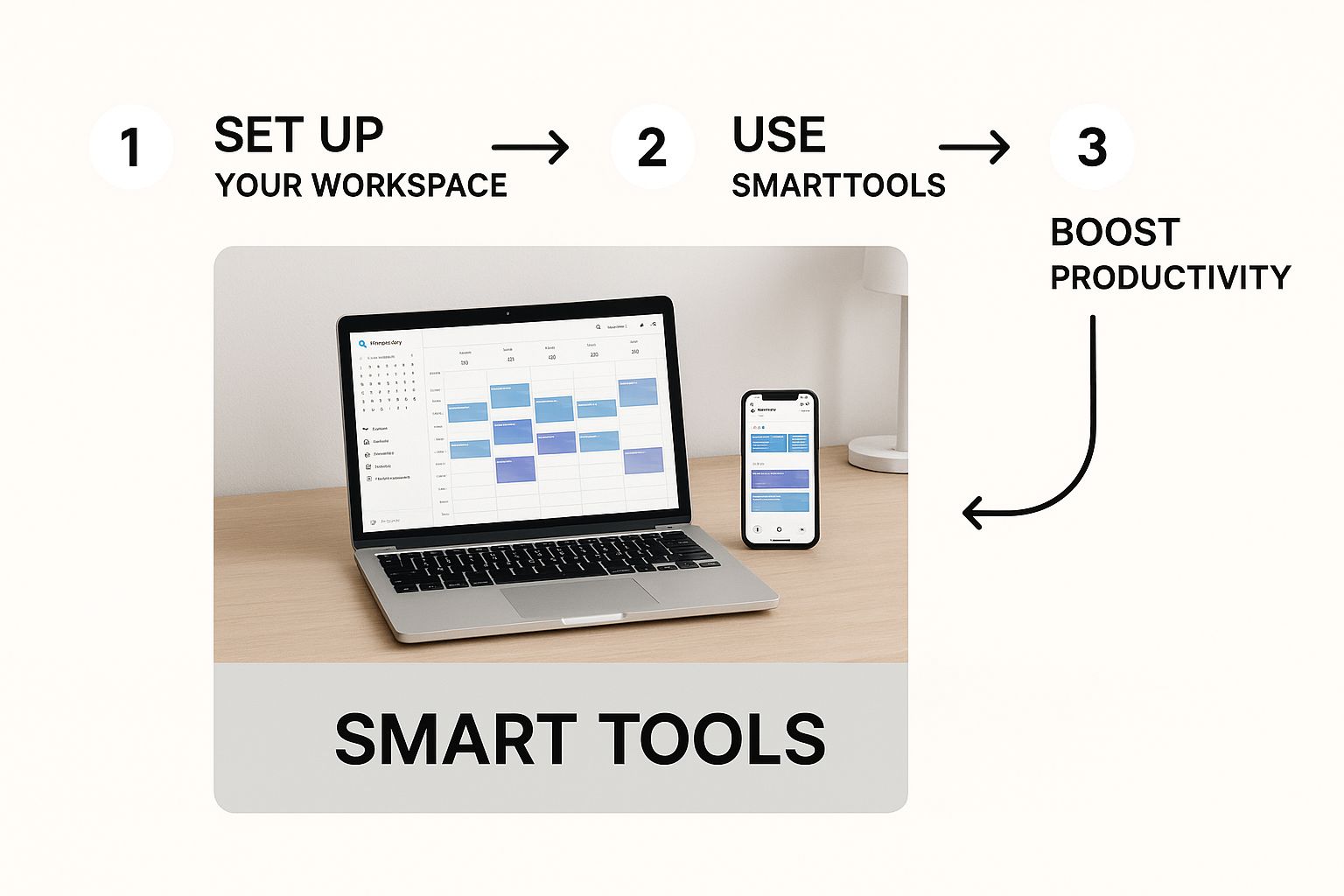
As you can see, automation just flat-out removes the error-prone manual steps that cause so much confusion and so many delays.
Core Features Your Global Team Needs
When you're comparing tools, some features are simply non-negotiable for a team spread across the globe. Getting these right from the start will save you from the most common scheduling nightmares.
Automatic Time Zone Detection: This is the big one. The tool must automatically see an invitee's location and show your availability in their local time. This single feature eliminates the manual math and guesswork, which is the #1 cause of scheduling screw-ups.
Calendar Sync and Overlays: It needs a rock-solid, two-way sync with your main calendars (Google, Outlook 365). This is what stops you from getting double-booked and creates one single source of truth for when you're free.
Customizable Booking Pages: A good assistant lets you create unique, branded booking links for different situations. Think one link for client demos, another for internal team check-ins, and maybe a third for interviewing candidates.
These are the basics that prevent those classic scheduling disasters—like a client thinking a meeting is at 3 PM their time, when it's actually 3 AM for them. That kind of mix-up doesn't just disrupt a single workflow; it can kill productivity and goodwill.
Advanced Capabilities for Optimized Scheduling
Once you've got the essentials locked down, you can look for the features that take a tool from "good" to "indispensable." These are the capabilities that really boost your team's efficiency and fairness.
For sales and support teams, intelligent lead routing is a game-changer. Making sure new leads from different regions get distributed evenly isn't just about performance; it's crucial for team morale. We've actually put together a whole guide on how to set up a fair round robin meeting distribution for your team.
A truly effective scheduling assistant doesn't just find a time; it finds the right time for the right person, every single time, without anyone having to do the math.
When you're looking at scheduling software, it's also worth thinking about which features are truly essential for a distributed team. Not all tools are created equal in this regard.
Here's a quick breakdown of what to prioritize:
Essential Features in a Time Zone Scheduling Tool
| Feature | Why It's Critical for Global Teams | Example Scenario |
|---|---|---|
| Automatic Time Zone Detection | Eliminates the single biggest source of error. Invitees see your availability in their local time, no conversion needed. | A prospect in Sydney clicks your link and sees available slots for Tuesday morning, their time, not your Monday evening in New York. |
| Multiple Calendar Sync | Prevents double-bookings and ensures personal appointments or other work commitments are always accounted for. | Your tool syncs both your work Outlook and personal Google Calendar, so a dentist appointment automatically blocks off that time on your booking page. |
| Custom Availability Rules | Lets you set different working hours for different days or block off specific times, which is essential for work-life balance. | You're based in London but want to take calls from the US West Coast, so you set availability from 2 PM to 7 PM GMT on Tuesdays and Thursdays. |
| Meeting Buffers | Automatically adds prep or travel time before and after meetings, preventing a back-to-back-to-back schedule. | You set a 15-minute buffer after every demo call to give you time to write notes and grab a coffee before your next meeting starts. |
| Team & Round-Robin Scheduling | Distributes meetings fairly among team members based on availability, location, or other rules. | A new lead from Germany fills out a form, and the system automatically assigns the meeting to the German-speaking sales rep who is free. |
Having a clear idea of these "must-have" features makes it much easier to cut through the noise and find a tool that will actually make your team's life easier, not more complicated.
Finally, think bigger. How can your scheduling assistant plug into your other tools? For companies needing 24/7 coverage for those first-touch inquiries, exploring some of the top AI phone receptionist solutions can be a fantastic way to bridge communication gaps. It ensures no opportunity slips through the cracks, no matter what time it is somewhere in the world.
Setting Up Your Scheduling Tool for Global Success
Knowing why you need a better scheduling process is one thing. Actually making it happen is where the real work begins. This is the moment you move from theory to execution and finally tame the beast of multi-time zone meetings.
A modern scheduling assistant like Distro isn't just a link to your calendar; it's the engine that powers your global coordination.
First things first, connect your calendars. Whether your team lives in Google Calendar or Outlook, this is the foundational step. It creates a single source of truth, so the tool knows when you're tied up with internal meetings, personal appointments, or deep work. No more embarrassing double-bookings.
With that connection live, you can start defining your availability with time zones in mind from the get-go. This is about more than just blocking off a standard 9-to-5. It's about being strategic.
Let's say you're based in London and need to meet with teams in both New York and Singapore. Instead of one long block, you might set up two distinct windows: a morning slot that works for your European and Asian colleagues, and a late afternoon one that catches your counterparts in North America.
Creating Smart, Shareable Meeting Links
Once your availability is set, the next move is to create shareable meeting links. This is where you hand the power over to your invitees. A well-configured link doesn’t just show your schedule; it automatically detects where the viewer is and displays all the open slots in their local time.
This single feature knocks out the most common reason global scheduling fails.
You can—and should—create different links for different kinds of meetings, each with its own set of rules. For example:
- Client Demo Link: Maybe you set this up for 30-minute slots and build in a 15-minute buffer after each one. That gives you time to prep for the next call or jot down follow-up notes.
- Internal Sync Link: These could be quick 15-minute huddles with no buffers, perfect for fast check-ins with your team.
- Candidate Interview Link: You might configure this one to check the availability of multiple team members' calendars to easily schedule a panel interview.
This level of customization makes every interaction feel deliberate and professional. For an even more advanced setup, you can explore resources on optimizing scheduling with AI voice agents, which can take automation a step further.
A great scheduling tool doesn't just ask, "When are you free?" It understands the context of the meeting and presents the most logical options to the right person in their own time zone, removing friction for everyone involved.
Fine-Tuning Your Availability
For teams spread across the globe, a static 9-to-5 schedule just won't cut it. You need more dynamic control.
This is where a feature often called Calendar Managed Availability comes in. Instead of setting a rigid schedule inside the tool itself, you create events directly on your connected calendar using a specific keyword, like "Available for Meeting." Your scheduling tool will then only show those specific times as bookable.
Here’s a glimpse of what setting up different event types and availabilities can look like in practice.
This screenshot shows how you can build out distinct meeting types, each with its own duration and specific availability windows.
This approach gives you incredible flexibility. Imagine you're traveling from Chicago to Berlin. You can just block out available times on your Google or Outlook calendar for the days you’ll be in Germany. When you land, your calendar’s time zone will update automatically, and your scheduling link will instantly reflect your correct local availability. No need to log in and manually tweak settings.
It’s a simple but powerful way to manage a hectic travel schedule or rotating meeting times across a distributed team.
Rethink Your Reliance on Real-Time Meetings
 Here's a radical idea: what if the best way to schedule meetings across time zones was... to not schedule them at all? This isn't about dodging your team. It's about working smarter and respecting everyone's time, especially when your team is spread across the globe.
For a lot of companies, the knee-jerk reaction to any question or update is to book a meeting. But when your team spans multiple continents, this just leads to a miserable cycle of calendar Tetris and late-night calls. The most effective global teams I've seen have flipped this script entirely. They’ve built a culture around asynchronous communication.
This simply means defaulting to methods that don't demand everyone to be online and present at the exact same moment. It’s a powerful mindset shift that gives people their calendars—and their sanity—back.
When Asynchronous Is Just Better
So, how do you actually make this happen? It starts with fostering a culture where clear, detailed written communication is the norm, not the exception. Instead of blocking out an hour for a project update, a team lead can post a comprehensive summary in your project management tool.
Pre-recorded videos are another fantastic substitute for a 30-minute status call. I've seen teams get incredible mileage out of tools like Loom or Vidyard. Imagine a designer needing feedback on a new mock-up. Instead of chasing down five different people, they can record a five-minute walkthrough, explaining their design choices and asking pointed questions. Everyone can then watch and comment on their own time. It's not just more efficient; it also creates a permanent record of the feedback and decision-making process.
The point of going async isn't to kill all meetings. It's to make the ones you do have count. By pushing routine updates and simple feedback to asynchronous channels, you save your real-time slots for the heavy hitters: complex problem-solving, strategic brainstorming, or real team-building.
Creating Your Meeting Decision Framework
For this cultural change to actually take root, you need to give your team a simple mental checklist for deciding if a meeting is truly necessary. Before anyone hits "send" on a calendar invite, encourage them to ask these questions:
- What's the real goal here? Are we brainstorming, making a final call, or just sharing information? If it's just an FYI, it almost never needs a live meeting.
- Could this be a well-written message instead? Be brutally honest. If you can lay out the entire topic clearly in writing, it probably doesn't need to be a meeting.
- Do we need instant back-and-forth? Some conversations genuinely need that rapid-fire discussion and immediate clarification. If so, a live meeting is likely the right choice.
By embedding this kind of deliberate thinking, you empower your team to be fiercely protective of their own time and their colleagues'. It also means that when a meeting does make the cut, it's because it's absolutely essential.
Of course, this clarity needs to extend to your invites, too. You can learn more about nailing the details by crafting the perfect meeting invitation format. This final step ensures that even your most necessary meetings are set up for success right from the start.
Of course. Here is the rewritten section, crafted to sound like it was written by an experienced human expert.
Tackling Tricky Global Scheduling Scenarios
Even with the best tools in your corner, you're bound to run into some really specific, tricky scheduling situations. It just comes with the territory of working with a global team or client base. Let's walk through some of the most common curveballs I've seen and how to handle them.
What About Conferences and Offsite Events?
This one's a classic headache. Everyone's flying in from different places, so their "normal" time zones are completely out the window.
The absolute key here is to lock the entire schedule to the event's location. When you're setting up a booking link just for the conference, make sure you turn off any automatic time zone detection. This forces everyone—no matter where they are when they click the link—to see and book slots in the local event time (e.g., all times shown in Pacific Time for a conference in Las Vegas).
This simple switch completely removes the mental gymnastics for your attendees. They no longer have to guess what time their meeting will be after they've landed and their phone has updated.
Navigating the Daylight Saving Time Maze
How do you even begin to manage Daylight Saving Time (DST) changes, especially when different countries switch on different dates?
Honestly, DST is where any manual scheduling attempt completely falls apart. This is a problem you solve with a good tool, not a spreadsheet. A quality scheduling platform is your best friend here because it handles all these adjustments automatically.
You don't have to keep a running list of which countries "spring forward" or "fall back" and on what specific Sunday. The system just knows. An invitation sent to someone in Arizona (which, confusingly, doesn't observe DST) and someone in London (which does) will show the correct local time for both, every single time.
My Travel Schedule is All Over the Place. What Then?
What if you're the one constantly on the move, hopping between time zones for short trips? Creating a separate, temporary booking link for every single leg of your journey is a non-starter. It’s just too much admin work.
This is exactly what a feature like Calendar Managed Availability was built for. It's a lifesaver.
The idea is simple: instead of setting up a fixed, rigid schedule inside your booking tool, you just create events directly on your connected Google or Outlook calendar with a special keyword, like "Bookable." Your scheduling tool will then only show those specific blocks of time as available.
This approach gives you an incredible amount of control and flexibility.
Let's say you're flying from New York to Paris. Before you even leave, you can block off a few "Bookable" slots on your calendar for the times you’ll be free in Paris. The moment you land and your phone's calendar updates to Central European Time, your booking link automatically reflects your correct, local availability. You don't have to log in and frantically change any settings. It's a seamless way to manage a truly dynamic travel schedule.
Ready to stop scheduling errors from killing your momentum? Distro routes high-intent leads directly to the right rep’s calendar in their local time, turning demo requests into booked meetings instantly. Stop losing prospects to scheduling friction and see how you can 3X your conversion rates. Book your Distro demo today.