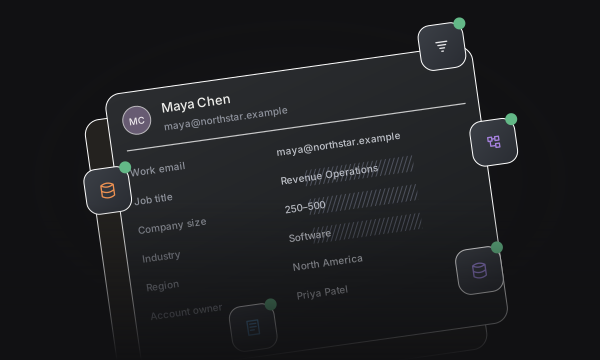
Prospect context
Collect the details your team needs with a published handoff form.
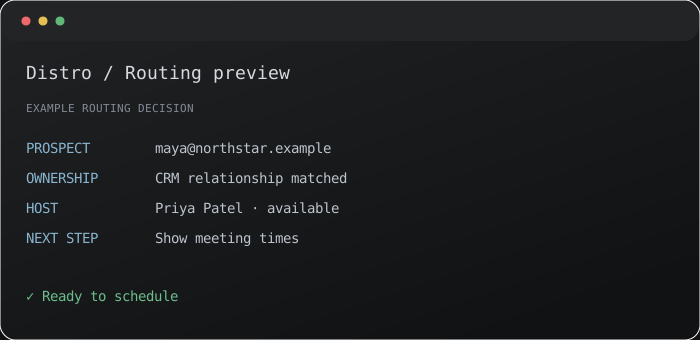


Collect the details your team needs with a published handoff form.
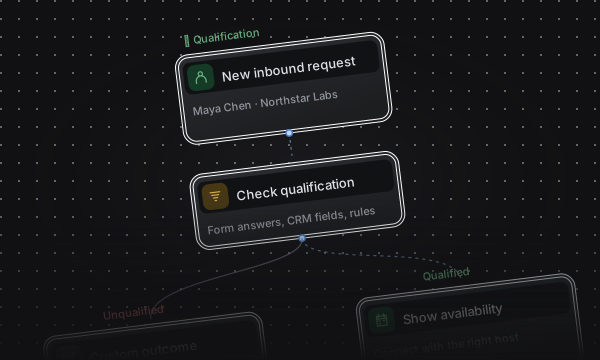
Check existing CRM relationships before assigning a new host.
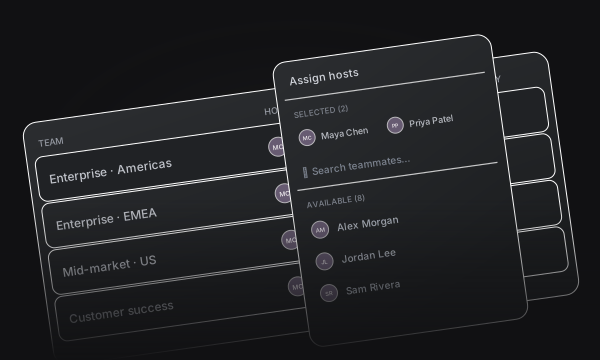
Apply team rules and a configured fallback to every handoff.
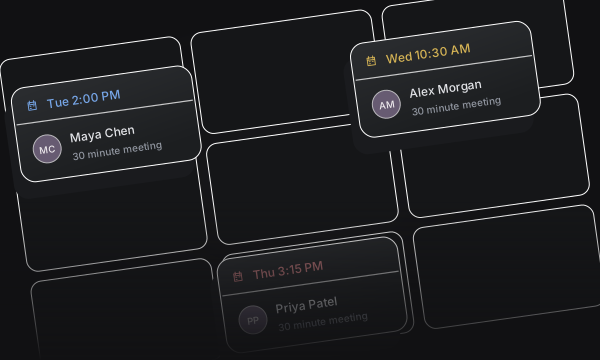
Book during the conversation or share a time with the prospect.
Keep the seller, prospect, and next host connected through one configured flow.
Capture the prospect’s context and connect it to the right account executive.
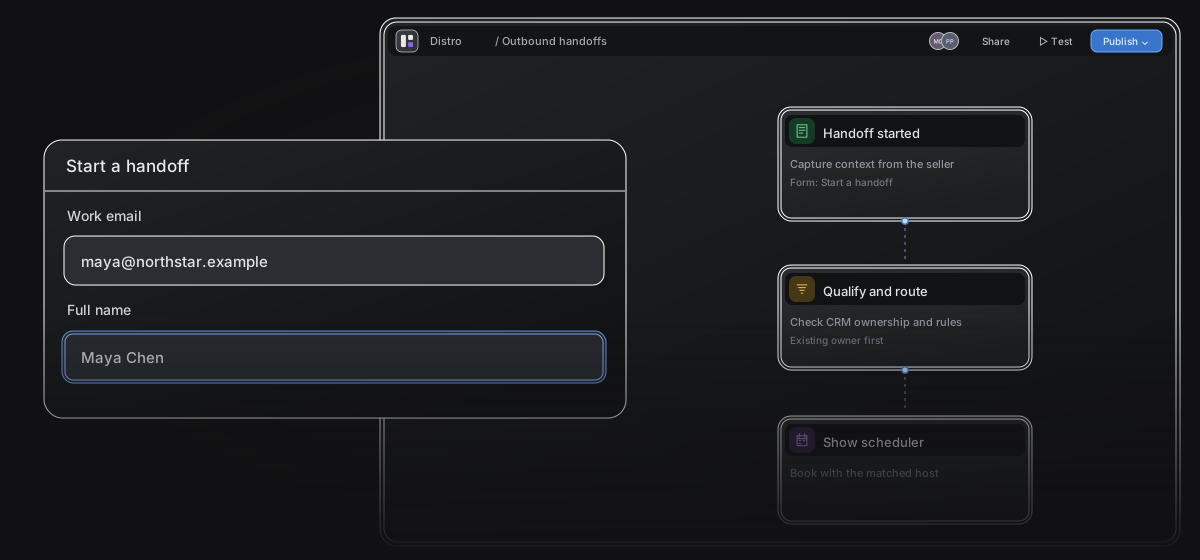
Choose which sellers can start handoffs from this router.
Collect the context your team needs through a published Outbound Form.
Configure prospect identity and prefill to carry details into the handoff.
Use ownership and distribution rules, with a fallback for prospects without a match.
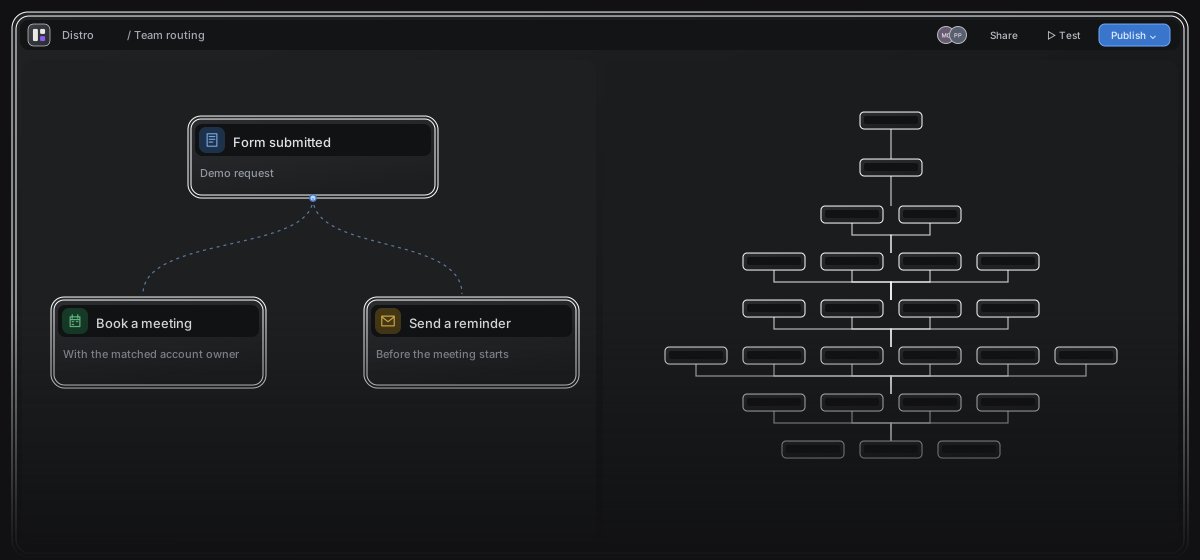
Preserve the relationship with the prospect’s existing CRM owner.
Choose who receives prospects when no ownership or distribution rule matches.
Make the seller’s attendance optional, required, or excluded.
Enable dedicated links, reusable links, or Magic Slots so sellers can schedule the way the conversation needs.
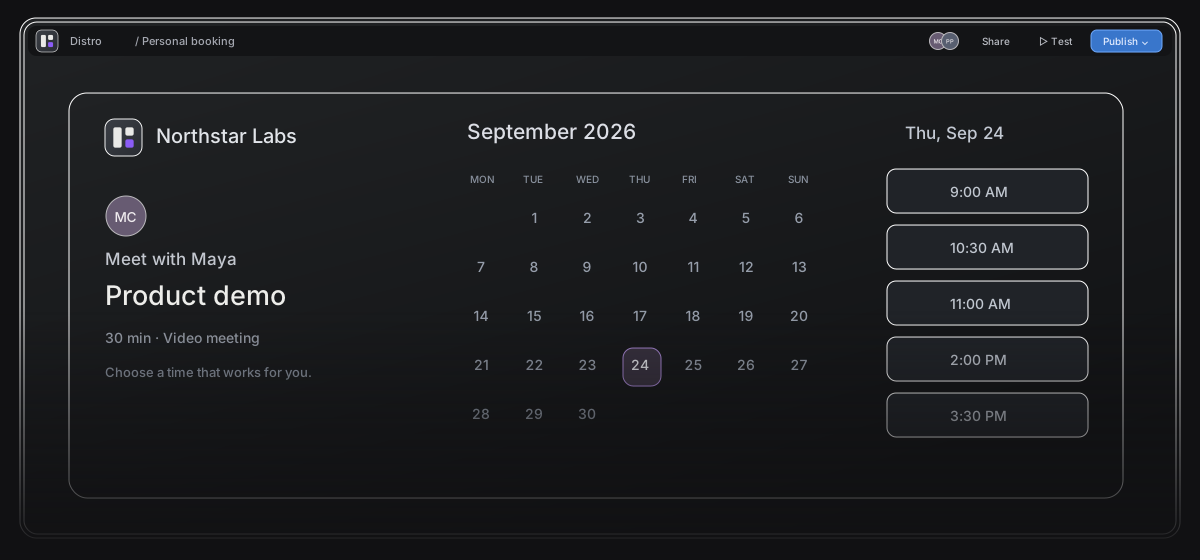
Check availability through your team’s connected Google or Microsoft calendars.
Set meeting duration, buffers, minimum notice, and the booking window.
Apply a published theme for your layout, colors, logo, and host visibility.
See how requests become meetings.
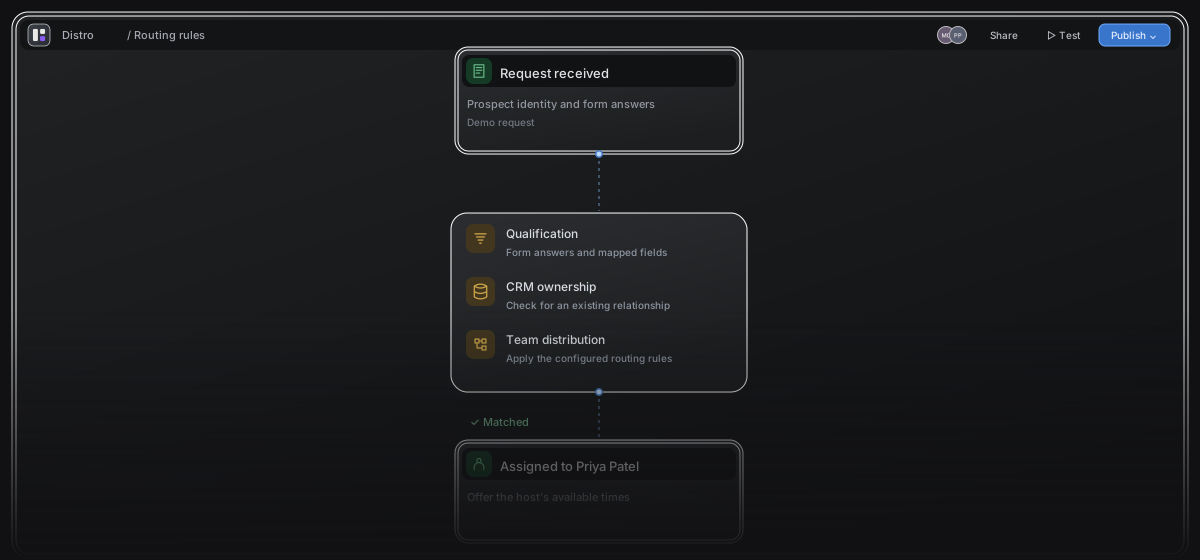
See the rules, host, and outcome behind each request.
Track qualification and booking conversion.
Try sample inputs against your saved rules.
Turn meeting events into timely follow-up.
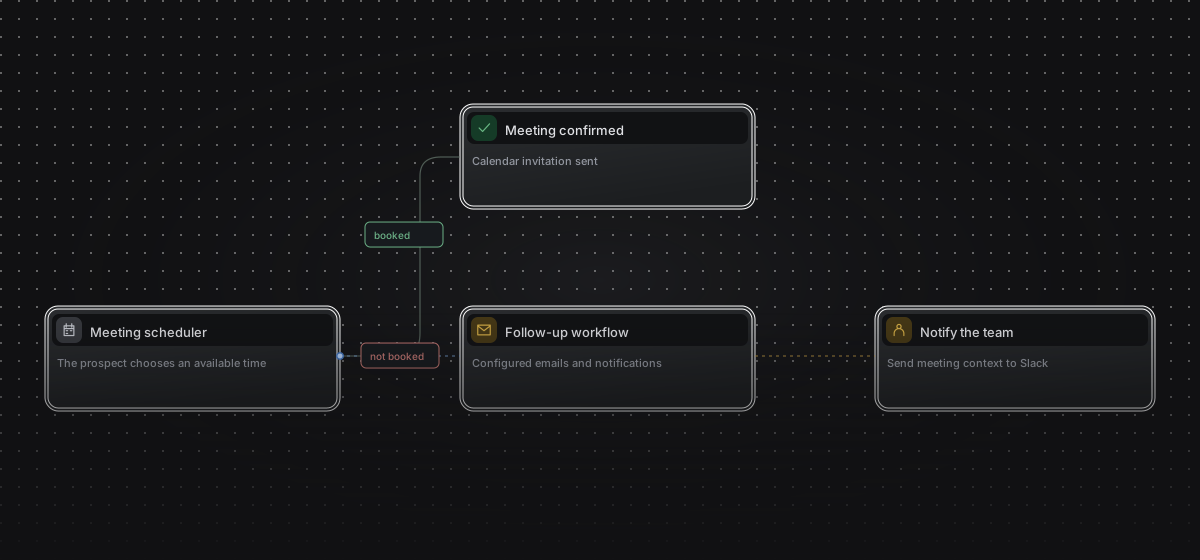
Start workflows from bookings, reschedules, and completed meetings.
Send emails, notify Slack, or trigger a webhook.
Every path to a meeting.
One system behind it.
It is the transition from a prospect’s initial sales conversation to a meeting with the account executive or team that takes the next step. Distro combines prospect context, host selection, and scheduling in that handoff.
Reworking your sales handoff?
Bring your current Chili Piper handoff or Calendly scheduling flow. Compare how the next rep is selected, what context they receive, and how the meeting gets booked.
Chili Piper alternative Calendly alternative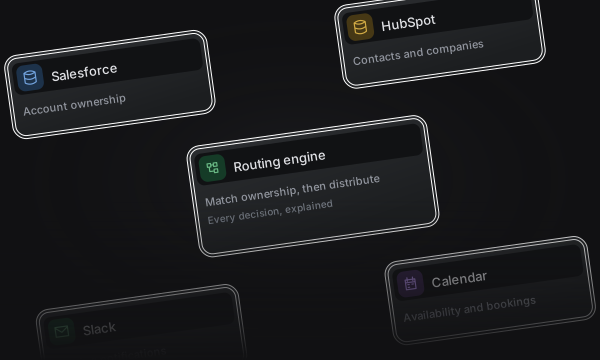
Turn your website forms into qualified meetings with CRM ownership, team distribution, and instant scheduling.
View Inbound RouterShare a personal link or bring two or three hosts together. Give your guest one place to find a time that works.
View Booking Links