Personal scheduling
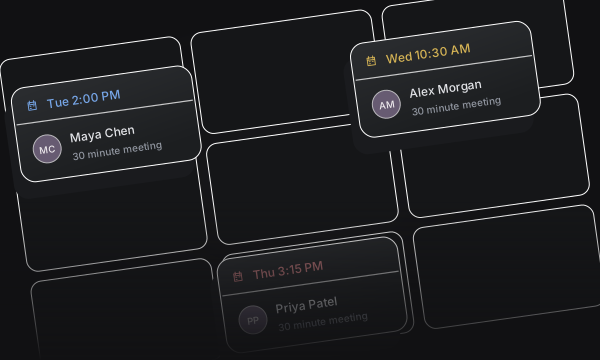
Share a direct link to a known host’s available times.
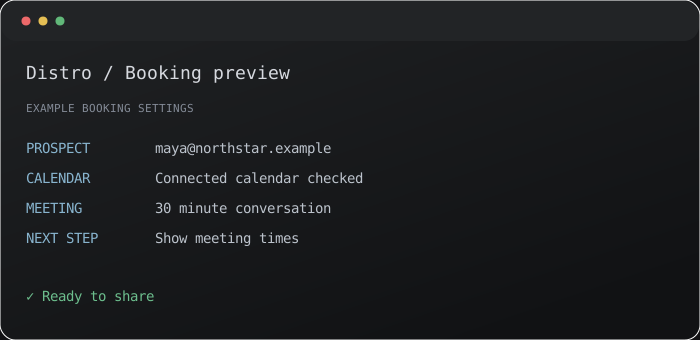


Share a direct link to a known host’s available times.
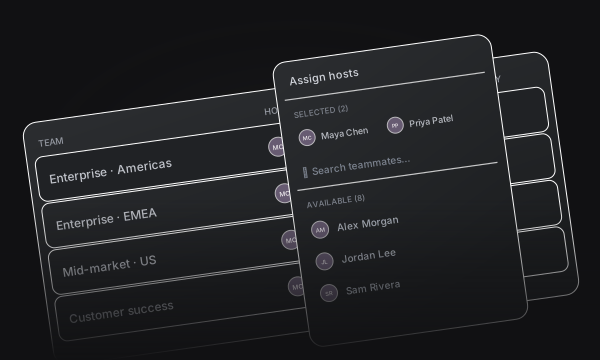
Find overlapping availability for two or three people in one meeting.
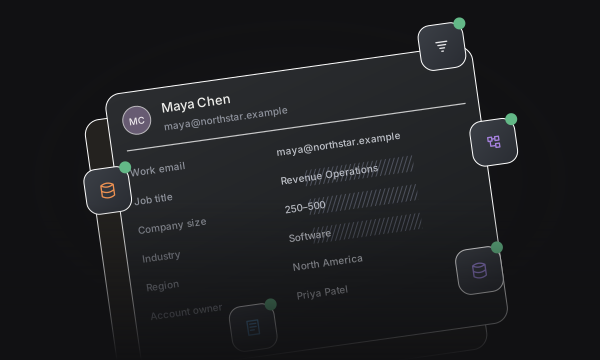
Keep confirmed meetings connected to your customer records.
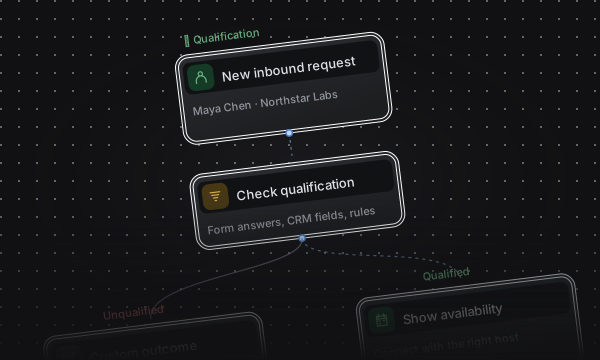
Share booking options from your browser with Distro’s Chrome extension.
Choose an event type and a published theme, then share a link that is ready to book.
Create a personal booking page for the meetings you have every day.
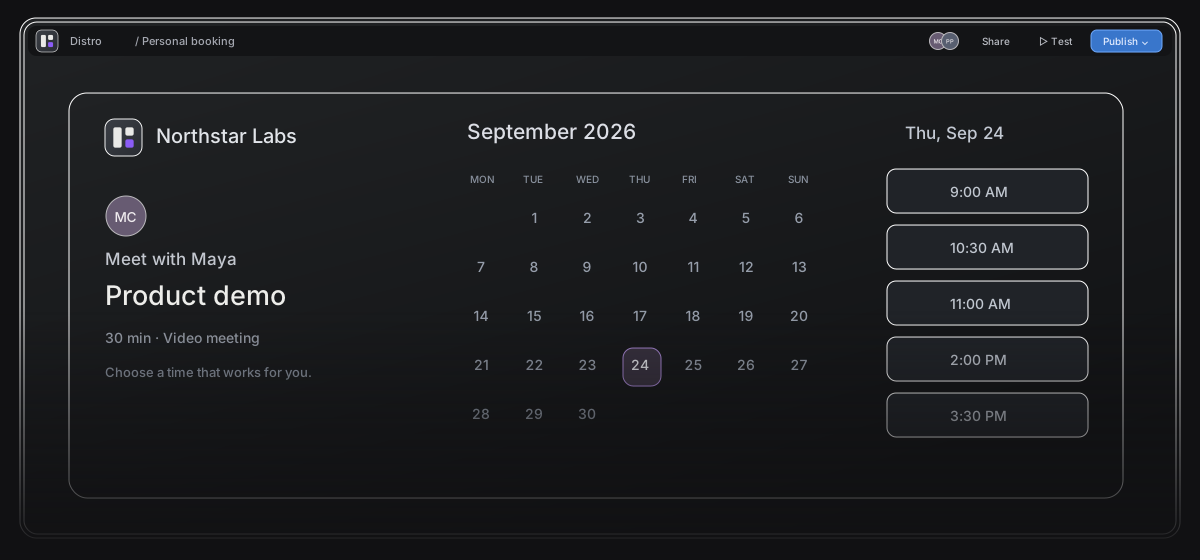
Let a guest choose from one host’s connected calendar availability.
Choose the meeting duration and settings that fit the conversation.
Apply your logo, colors, page layout, and host visibility.
Show times when two or three selected hosts can all attend the same meeting.
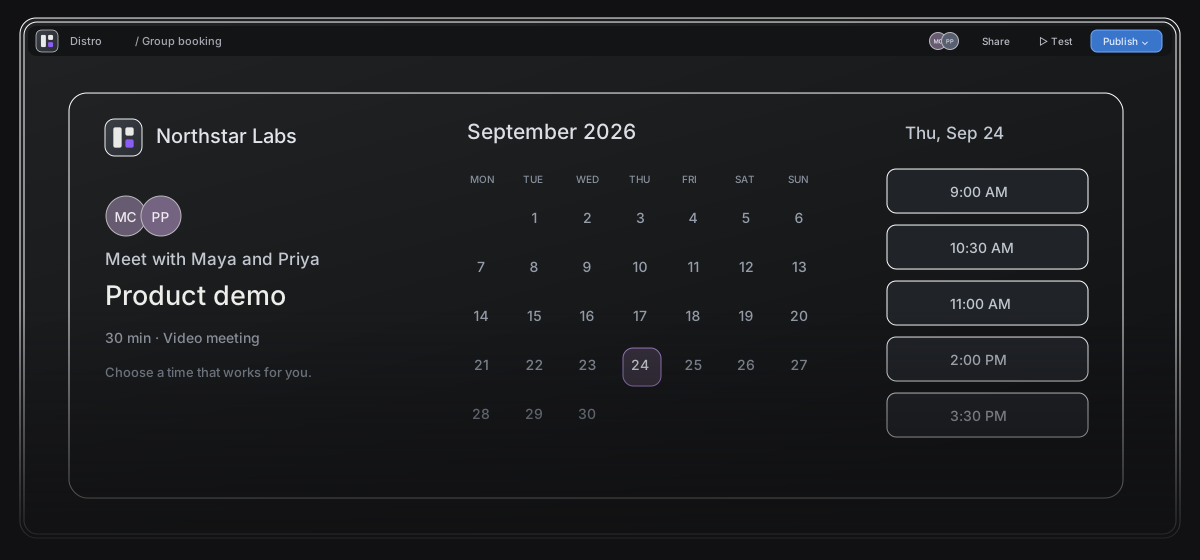
Coordinate the calendars of all selected hosts.
Bring an account executive, specialist, or teammate into one conversation.
Give the guest one choice of times for the whole group.
Set availability rules that keep your calendar useful and your day manageable.
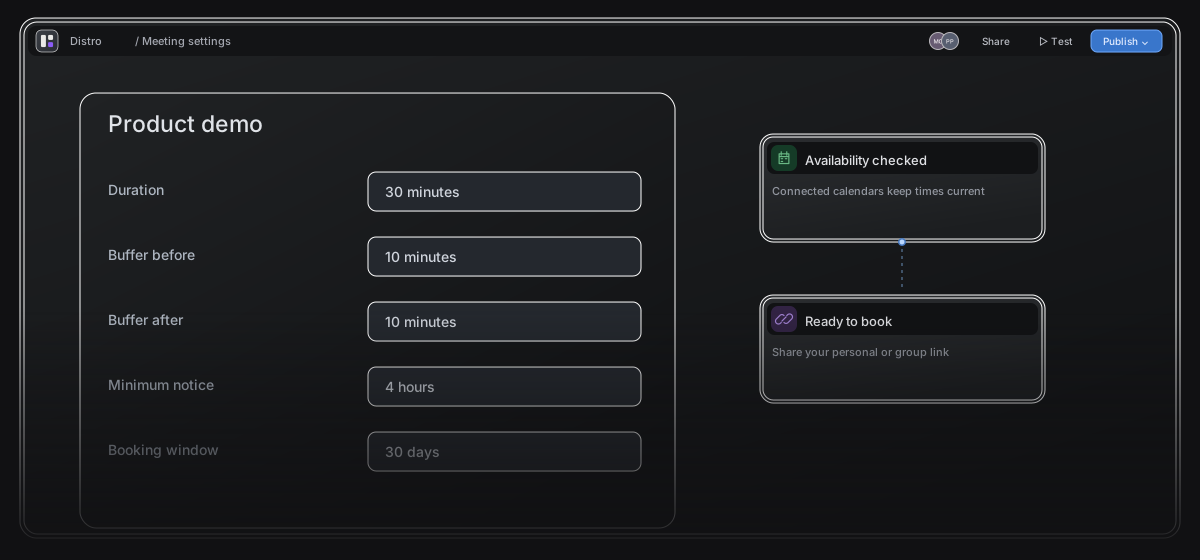
Leave time before and after a meeting.
Control how soon and how far ahead guests can book.
Use the Chrome extension for offer links and single-use links.
See meetings in one calendar and configure what is written back to your CRM.
Review confirmed bookings and meeting status from one workspace.
Enable supported record updates and meeting logging for HubSpot or Salesforce.
Use workspace defaults or configure sync for each booking link.
Turn meeting events into timely follow-up.
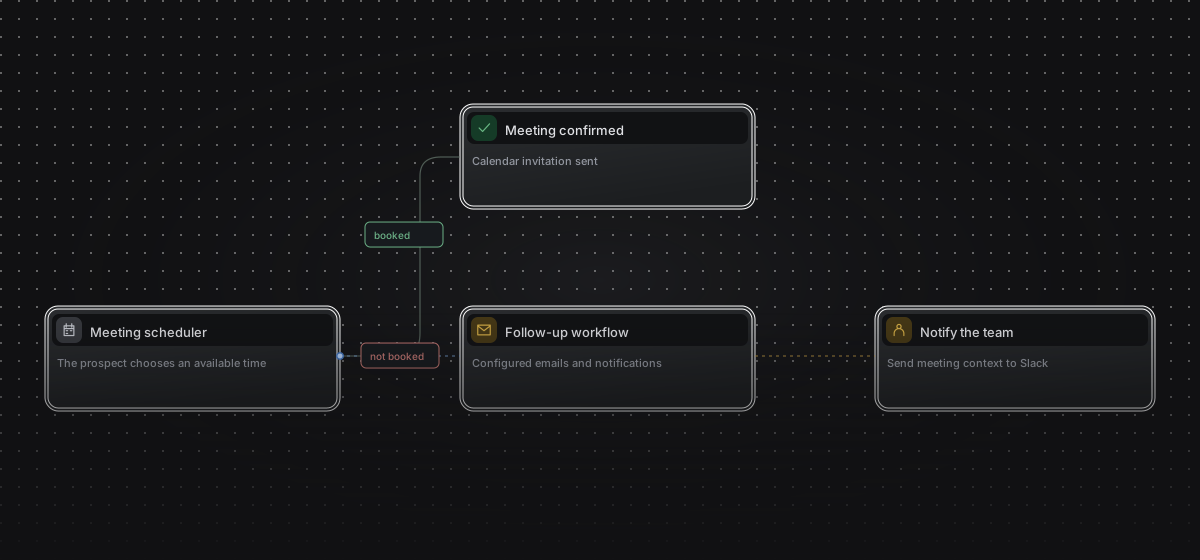
Start workflows from bookings, reschedules, and completed meetings.
Send emails, notify Slack, or trigger a webhook.
Every path to a meeting.
One system behind it.
Distro provides personal booking links, group links for two or three hosts, and separate routing flows for forms, seller handoffs, and personalized links. Compare the meeting types and integrations your team uses before switching.
Considering a Calendly or Cal.com alternative?
Start with your everyday booking links, then explore how personal scheduling, group meetings, and sales routing fit together in Distro.
Calendly alternative Cal.com alternative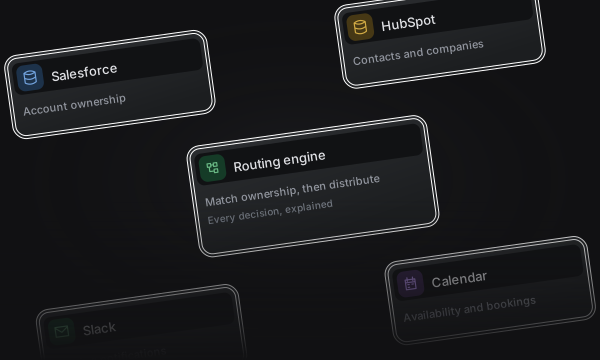
Turn your website forms into qualified meetings with CRM ownership, team distribution, and instant scheduling.
View Inbound Router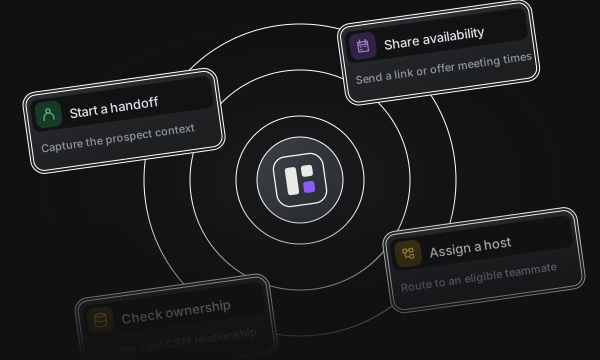
Give SDRs a direct path to the right AE. Capture context, match a host, and get the next meeting booked.
View Outbound Router