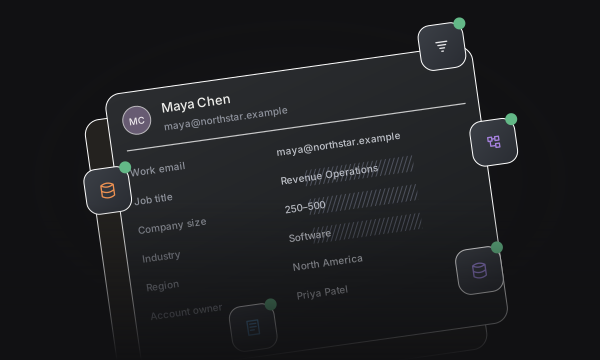
Enrichment
Bring configured enrichment and CRM fields into your routing decisions.


Bring configured enrichment and CRM fields into your routing decisions.
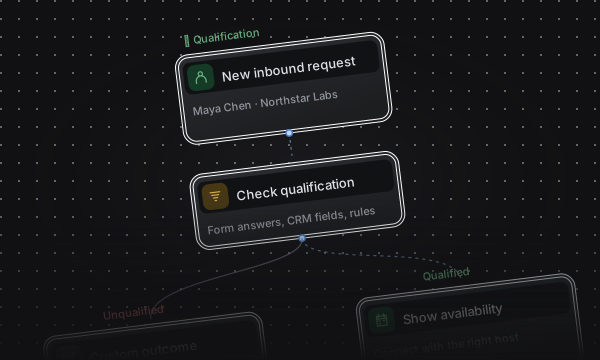
Use form answers and CRM context to decide who should book.
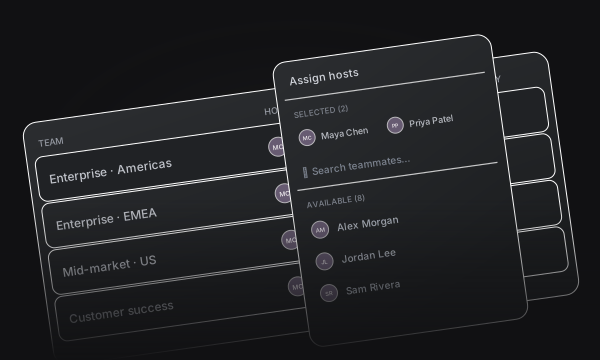
Distribute qualified leads across the right territories and teams.
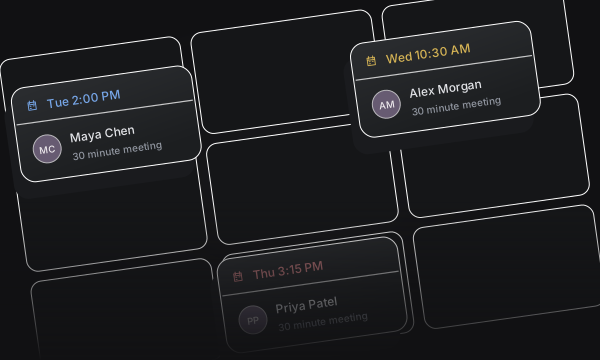
Let qualified buyers choose a time while they’re still on your site.
Keep qualification, routing, and scheduling together in a canvas your team can configure.
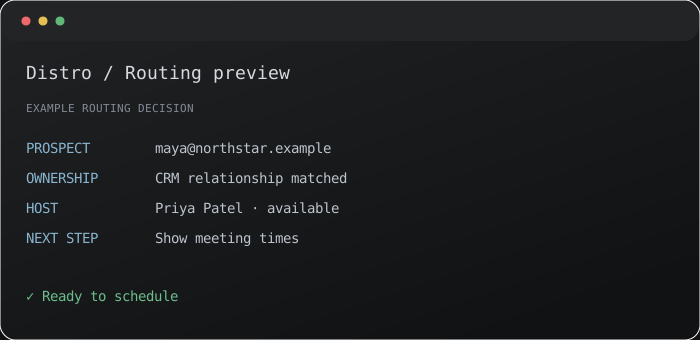
Connect your form to qualification, routing, and scheduling in one flow.
Qualify requests using form answers and CRM data.
Match account owners, then distribute across your team.
Show the assigned host’s available times.
Build around your territories, segments, and account relationships.
Apply ownership and distribution in your chosen order.
Use round robin or flexible availability.
Set a fallback for every routing outcome.
Connect your website forms to qualification and routing.
Turn form answers into routing conditions.
Respect existing account relationships.
Take qualified prospects straight to scheduling.
See how requests become meetings.
See the rules, host, and outcome behind each request.
Track qualification and booking conversion.
Try sample inputs against your saved rules.
Turn meeting events into timely follow-up.
Start workflows from bookings, reschedules, and completed meetings.
Send emails, notify Slack, or trigger a webhook.
Every path to a meeting.
One system behind it.
Inbound lead routing decides which rep or team should receive a new request. Distro connects that decision to scheduling, using form answers, CRM ownership, and distribution rules.
Evaluating your inbound stack?
If you’re comparing Chili Piper or RevenueHero, start with the real journey: qualification, CRM ownership, distribution, and the booking experience.
Chili Piper alternative RevenueHero alternative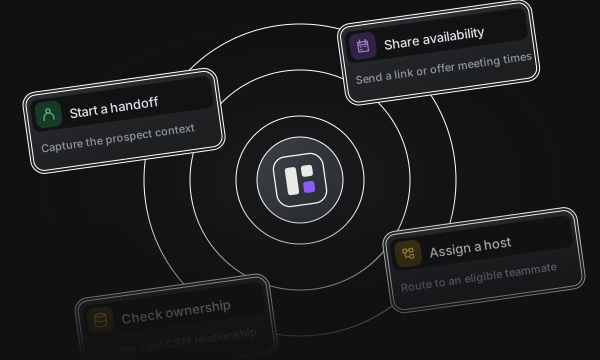
Give SDRs a direct path to the right AE. Capture context, match a host, and get the next meeting booked.
View Outbound Router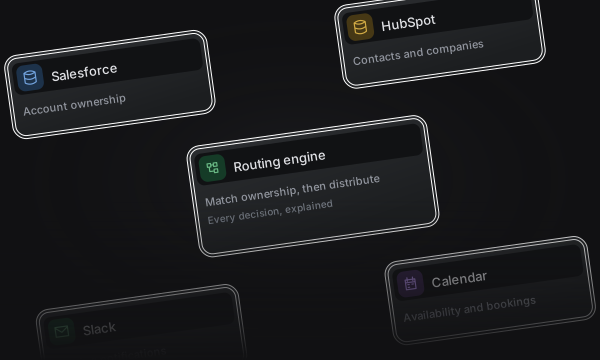
Turn customer and campaign clicks into meetings with the right person, using current CRM ownership and a fallback team.
View Click Router