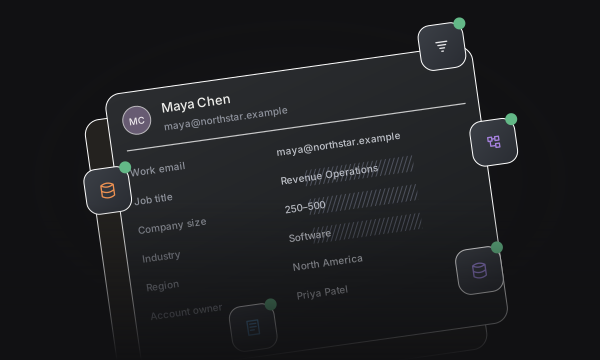
Personalized links
Carry prospect identity from your campaign into the booking journey.
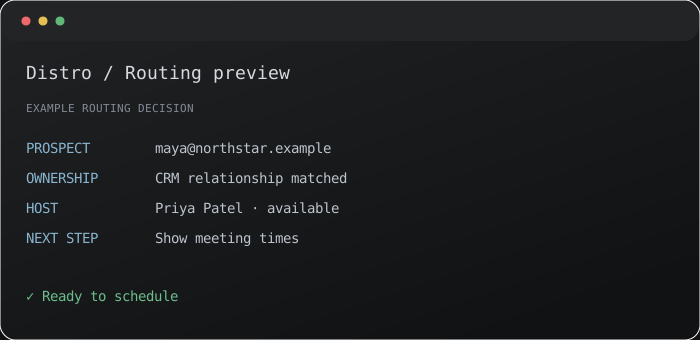


Carry prospect identity from your campaign into the booking journey.
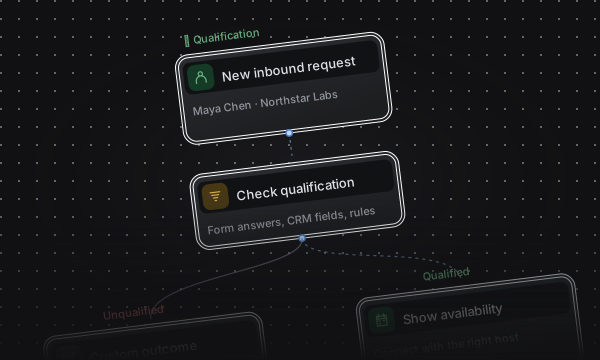
Keep customers connected to the person who owns the account.
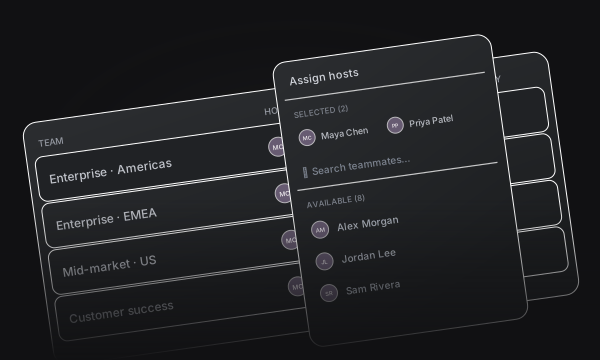
Give unmatched prospects a route to an eligible teammate.
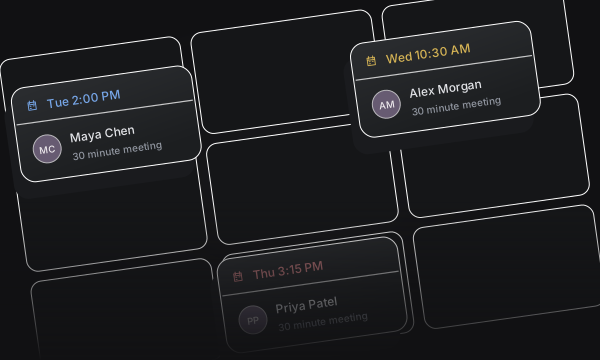
Show available times from the matched owner or fallback team.
Connect a personalized link to ownership, fallback assignment, and scheduling.
Use prospect identity to take a familiar customer touchpoint straight into scheduling.
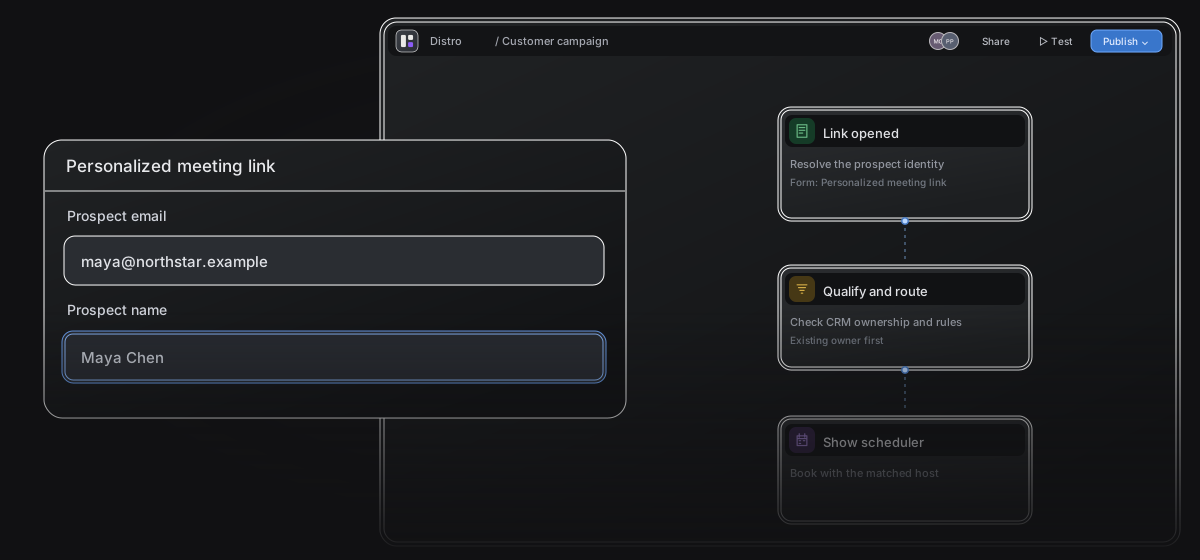
Generate a personalized link with the required prospect email and name.
Use your template in email campaigns and customer calls to action.
Bring matched owners and fallback assignments into the same scheduler.
Check current CRM ownership before distributing a meeting to another teammate.
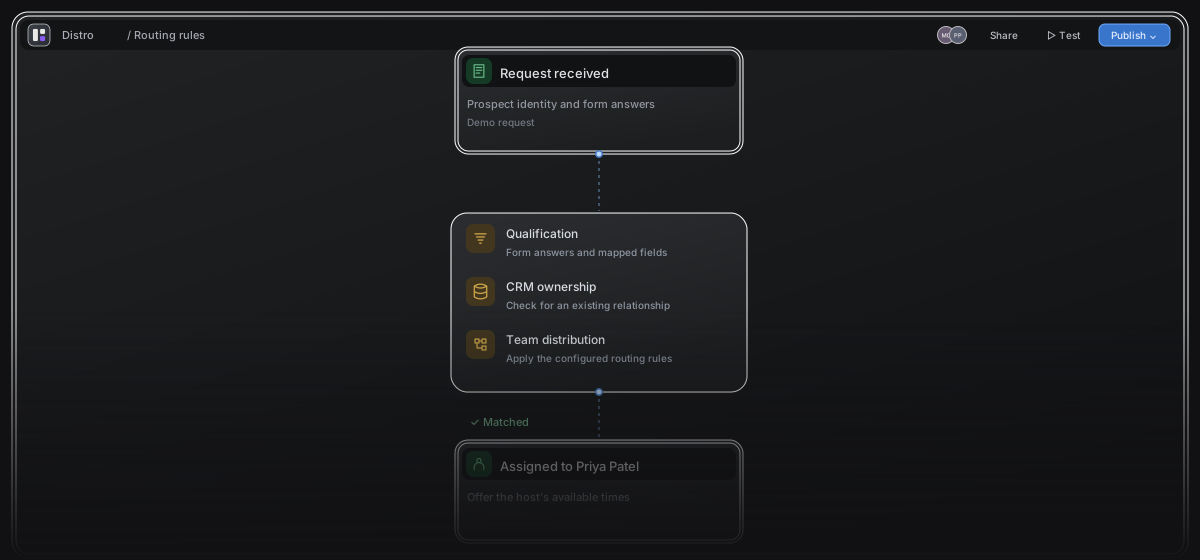
Evaluate ownership rules in the order you set.
Choose the teammates who receive prospects without an eligible owner.
Set participants, weights, and strict or flexible distribution.
Give prospects a clear view of availability, with meeting settings that protect your team’s calendar.
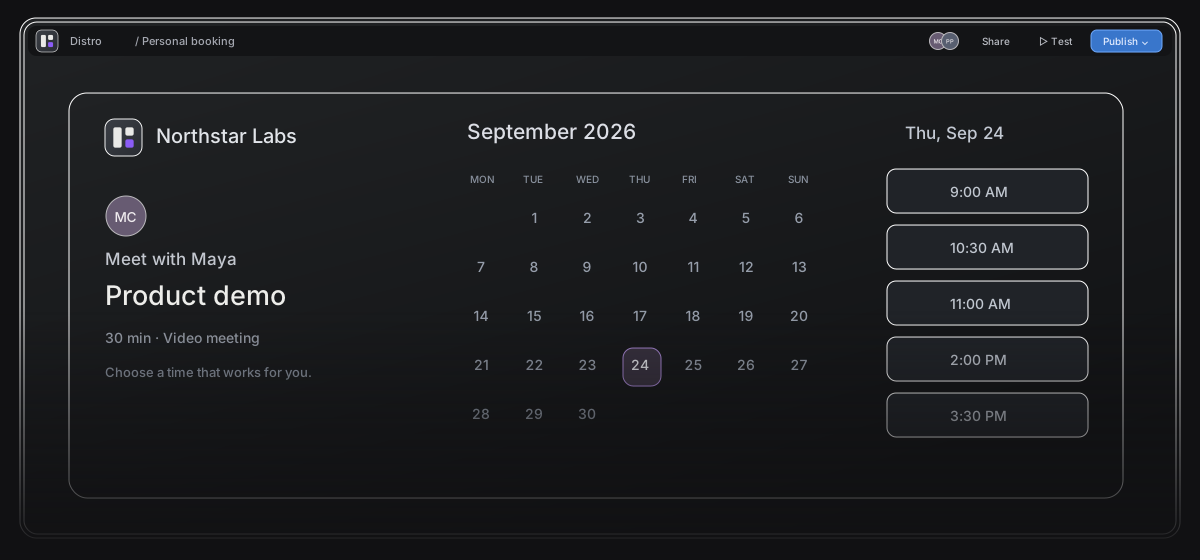
Check availability through your team’s connected Google or Microsoft calendars.
Set meeting duration, buffers, minimum notice, and the booking window.
Apply a published theme for your layout, colors, logo, and host visibility.
See how requests become meetings.
See the rules, host, and outcome behind each request.
Track qualification and booking conversion.
Try sample inputs against your saved rules.
Turn meeting events into timely follow-up.
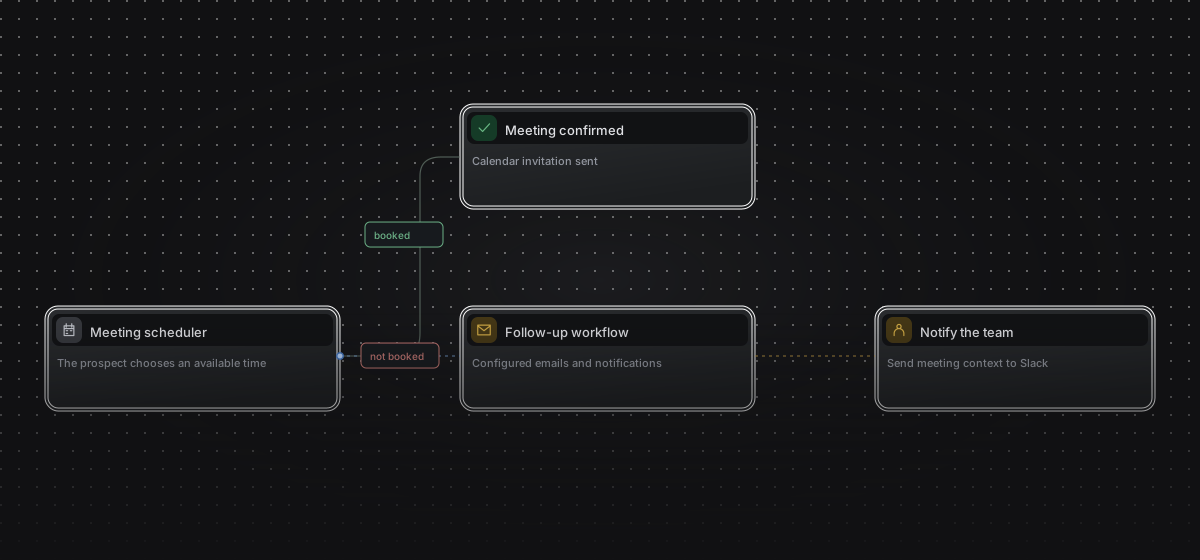
Start workflows from bookings, reschedules, and completed meetings.
Send emails, notify Slack, or trigger a webhook.
Every path to a meeting.
One system behind it.
It is a personalized link that uses prospect identity and CRM ownership to decide who should host the meeting. Distro checks ownership first and uses the configured fallback team when no eligible owner is found.
Need more from a scheduling link?
If you use Calendly or Cal.com, compare the full path from a personalized campaign link to the right CRM owner and calendar.
Calendly alternative Cal.com alternative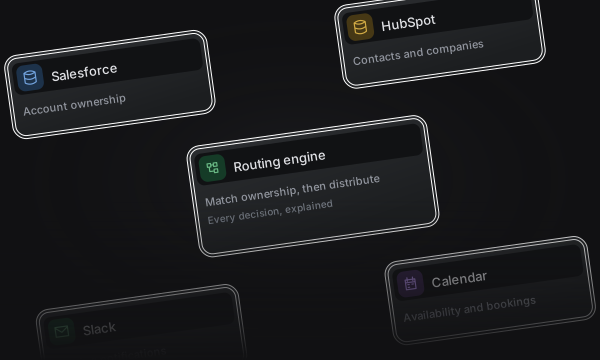
Turn your website forms into qualified meetings with CRM ownership, team distribution, and instant scheduling.
View Inbound RouterShare a personal link or bring two or three hosts together. Give your guest one place to find a time that works.
View Booking Links