Use cases / Personal scheduling

Stop trading times.Send your link.

For an account check-in, an introduction, or a one-to-one call, let the other person choose from your available times without trading scheduling emails.

AdobeGitBookCensusCrewRetool

You know who’s meeting.
Now find the time.

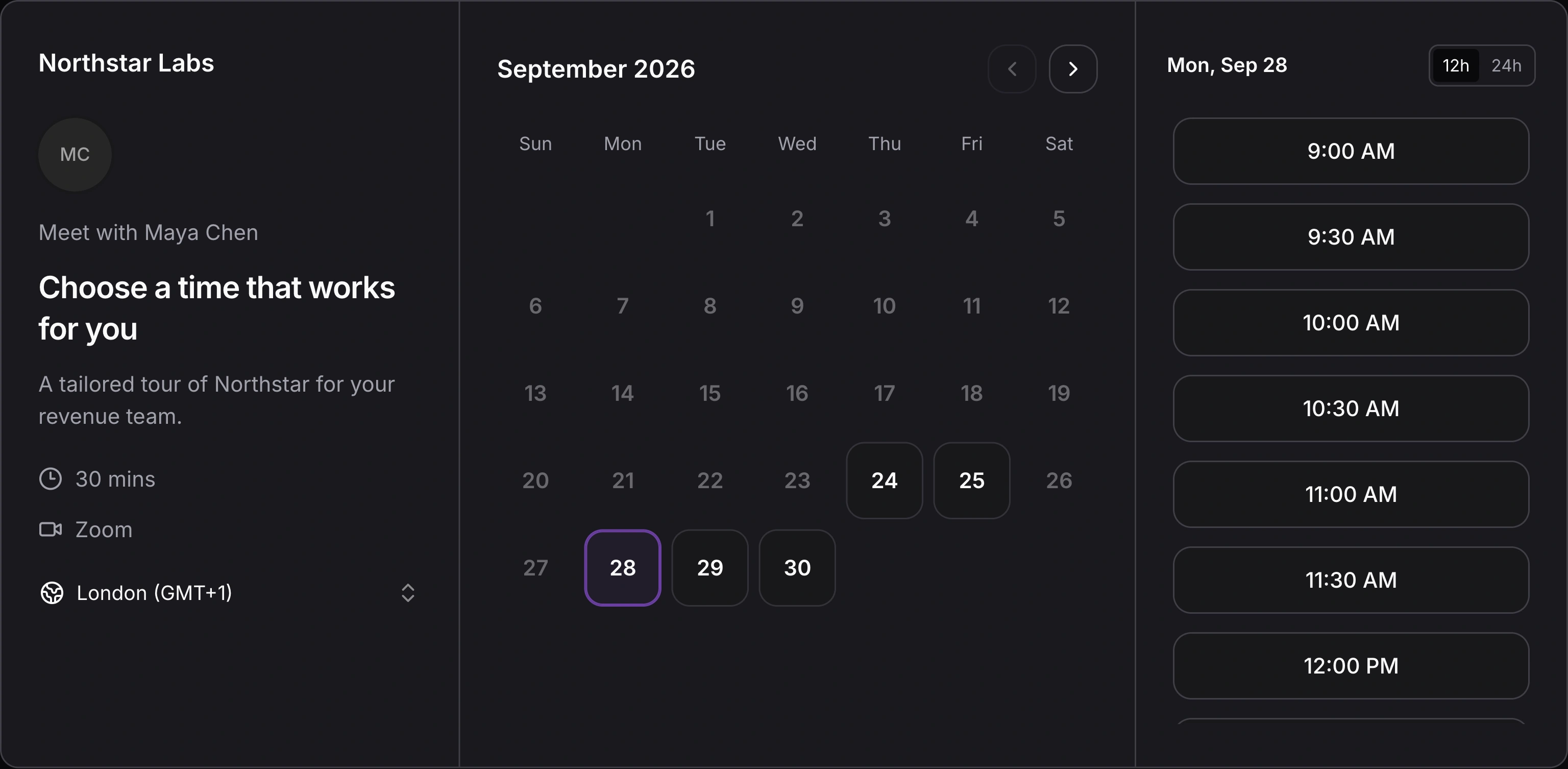
Once you and the other person have agreed to talk, share your personal link. They can select a time directly with you.

Distro bookings calendar showing a week of scheduled meetings across the team, with booking status filters and a timezone selector.
Distro bookings calendar · Scheduled meetings across your team.

Use it in the conversation you’re having

Send your link in an email or message when someone is ready to arrange a call.

Let the guest choose

The other person selects from the times you offer and confirms the meeting.

Offer time
around the work you have.

Your availability should reflect the rest of your day. Connected calendars inform the times offered, while meeting settings define the duration and availability for the conversation.
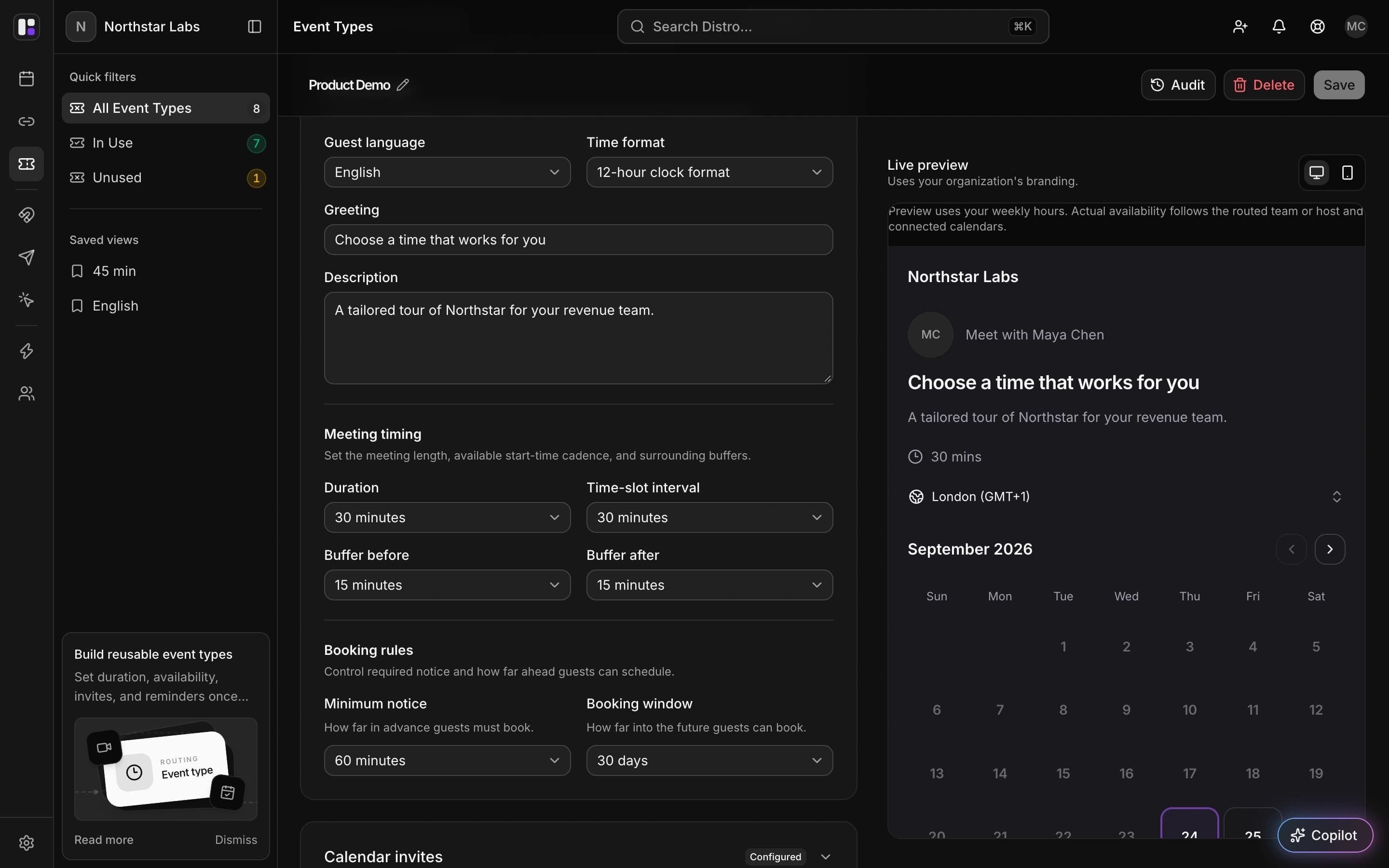
Illustrative example · A check-in fits around existing commitments

Account for existing commitments

Connect Google or Microsoft calendars so existing events inform bookable times.

Keep changed plans on the calendar

Rescheduling and cancellation update the meeting as plans change.

FAQ

Frequently asked
questions

When should I use a personal link instead of a router?

Use a personal link when the meeting should be with you. A router is useful when rules need to decide which person or team takes the meeting.

Will my existing commitments affect the times shown?

Yes. Events on connected calendars inform availability for booking.

Can I use this for calls outside a sales process?

Personal links can be shared for one-to-one conversations where the host is already known, such as an introduction or an account check-in.

Find time to talk.
Get back to your day.

See how a personal booking link handles the scheduling step in your everyday conversations.