Leave room to finish the call
Set how many minutes after the meeting the prompt should run.


The person who ran the meeting knows what was agreed. Send an after-meeting notification to remind them to follow through while the conversation is still recent.
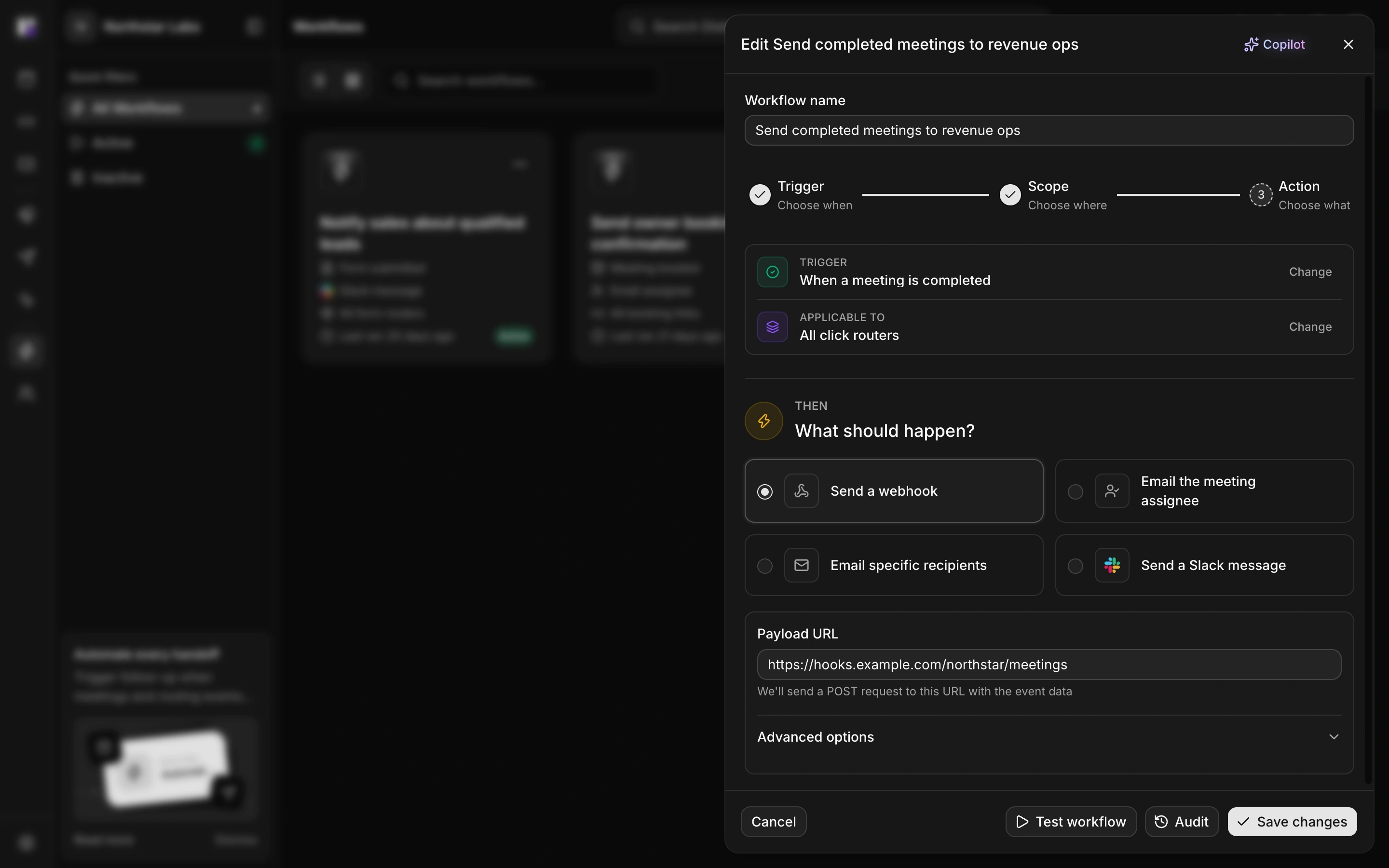
Set how many minutes after the meeting the prompt should run.
Distro sends the configured notification. The rep decides what to say and what action to take.
Not every meeting becomes a conversation. Use separate workflows for cancellations and meetings marked as no-shows so your team can respond to what actually happened.
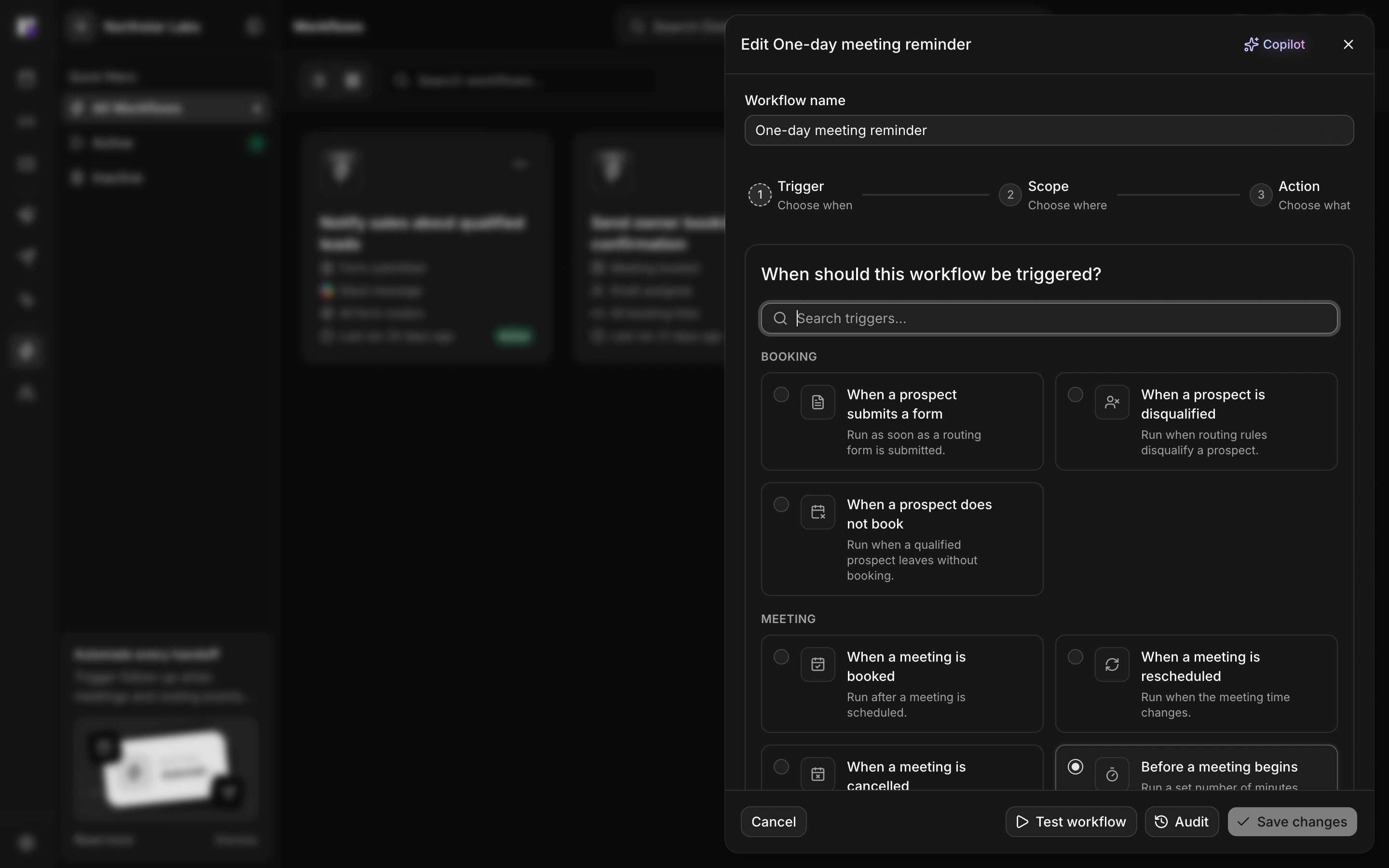
Notify your team when a meeting is marked as a no-show so a rep can decide whether to reconnect.
Use cancellation events to let the relevant people know that the planned call will not take place.
A follow-up process should fit the team’s working habits. Deliver prompts by email or Slack, or use a webhook to pass meeting context to another tool.
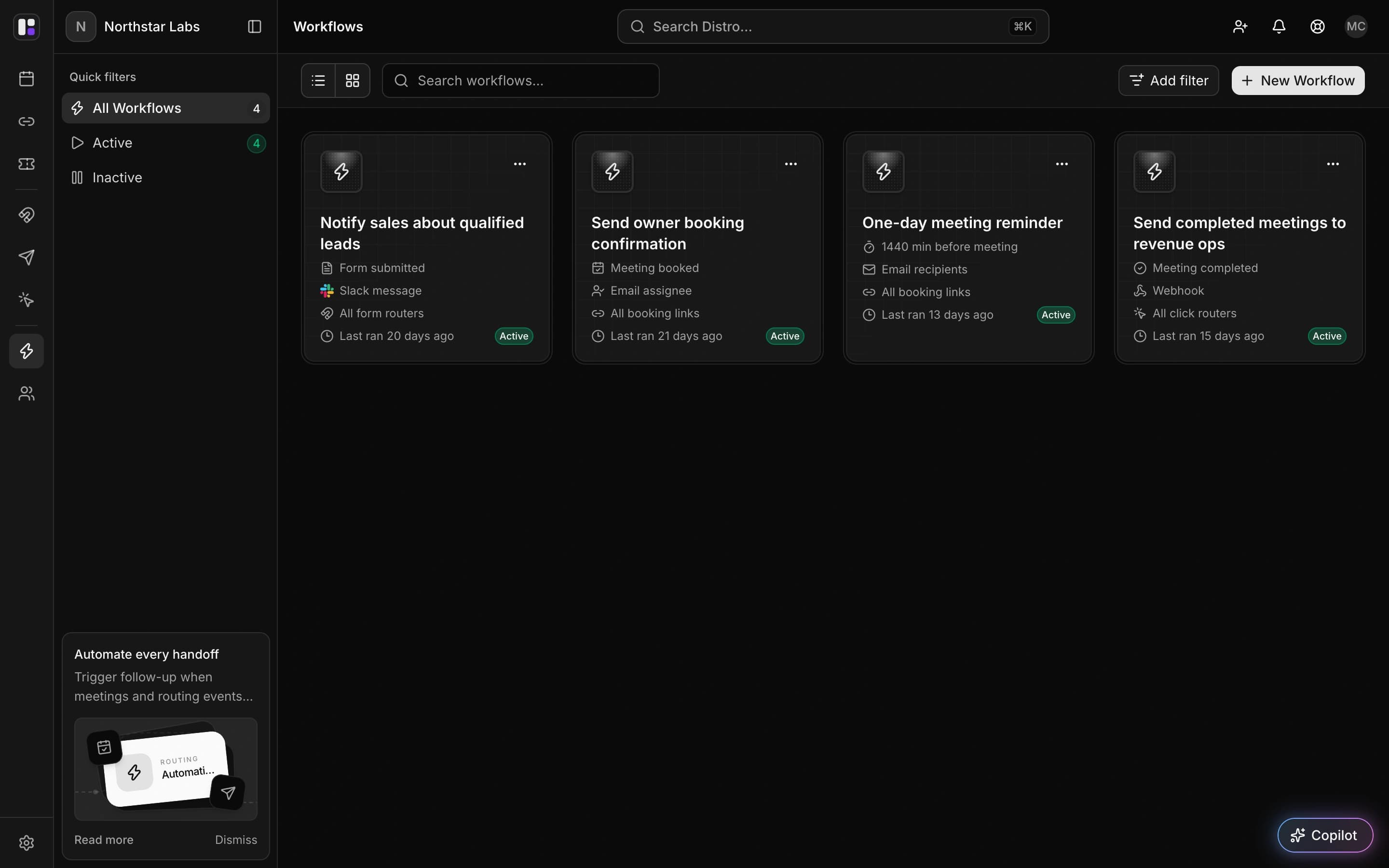
Email the assigned rep or configured recipients, or post to a connected Slack channel.
Review workflow action logs when an expected notification does not arrive.
The workflow sends the email or notification you configure. The process described here prompts the rep; it does not generate a personalized recap or infer the next sales action.