Use cases / Group meetings

Bring the specialist.Find a shared time.

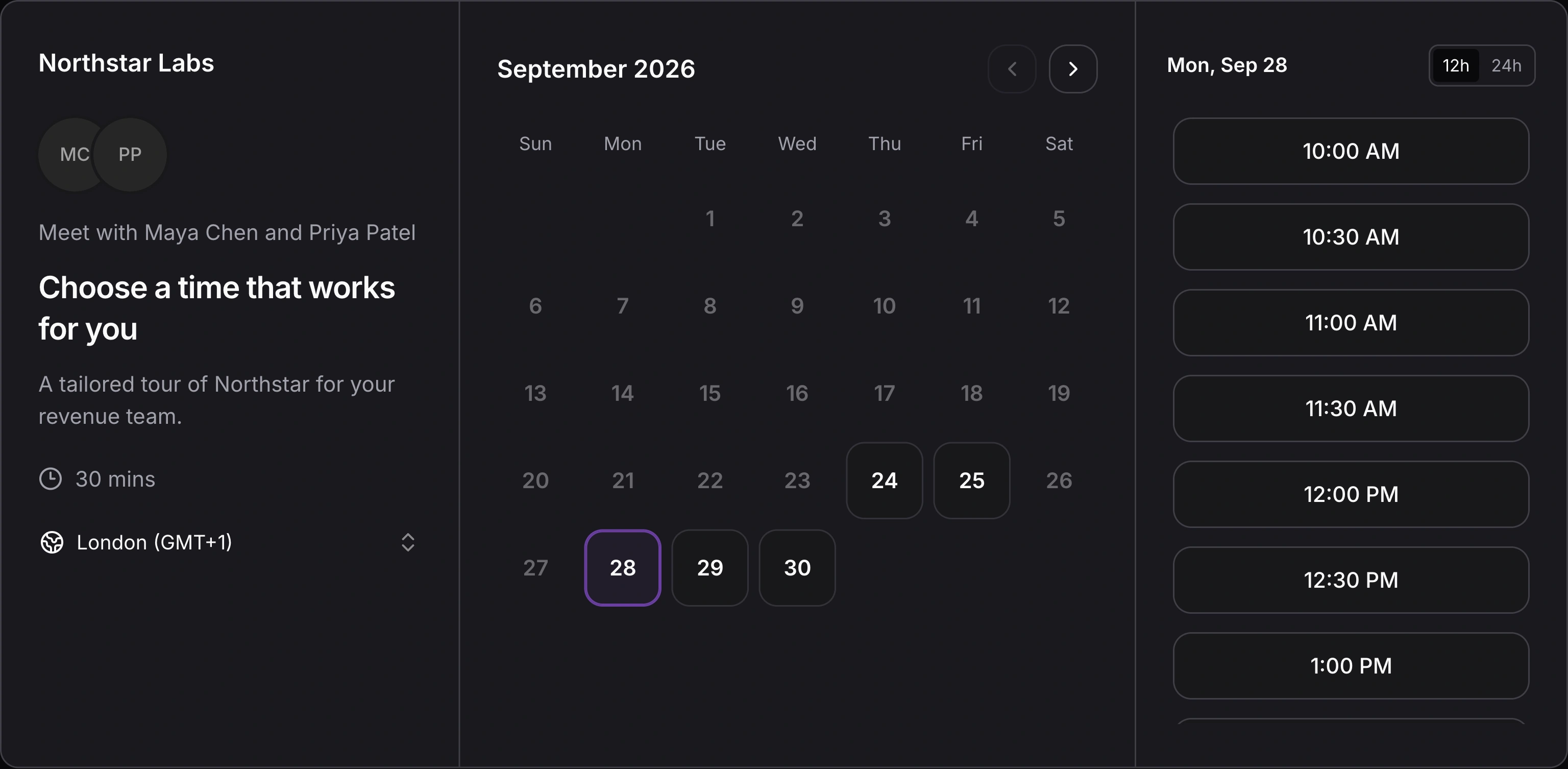
A technical demo needs the AE and a solutions specialist. Give the buyer one link to find a time when both can join.

AdobeGitBookCensusCrewRetool

The buyer needs answers
from both of you.

When a sales conversation needs technical depth, getting the right hosts together matters. A group link checks availability across two or three team members.

Illustrative example · An AE and a specialist join the technical demo

Pair the AE with a specialist

Choose the hosts who need to be on the call before sharing the group link.

Offer times everyone can attend

The buyer sees overlapping availability across the selected hosts.

One booking.
The whole host team.

Avoid arranging one conversation with the AE and another with the specialist just to work around schedules. A group booking puts the selected hosts on the same meeting.
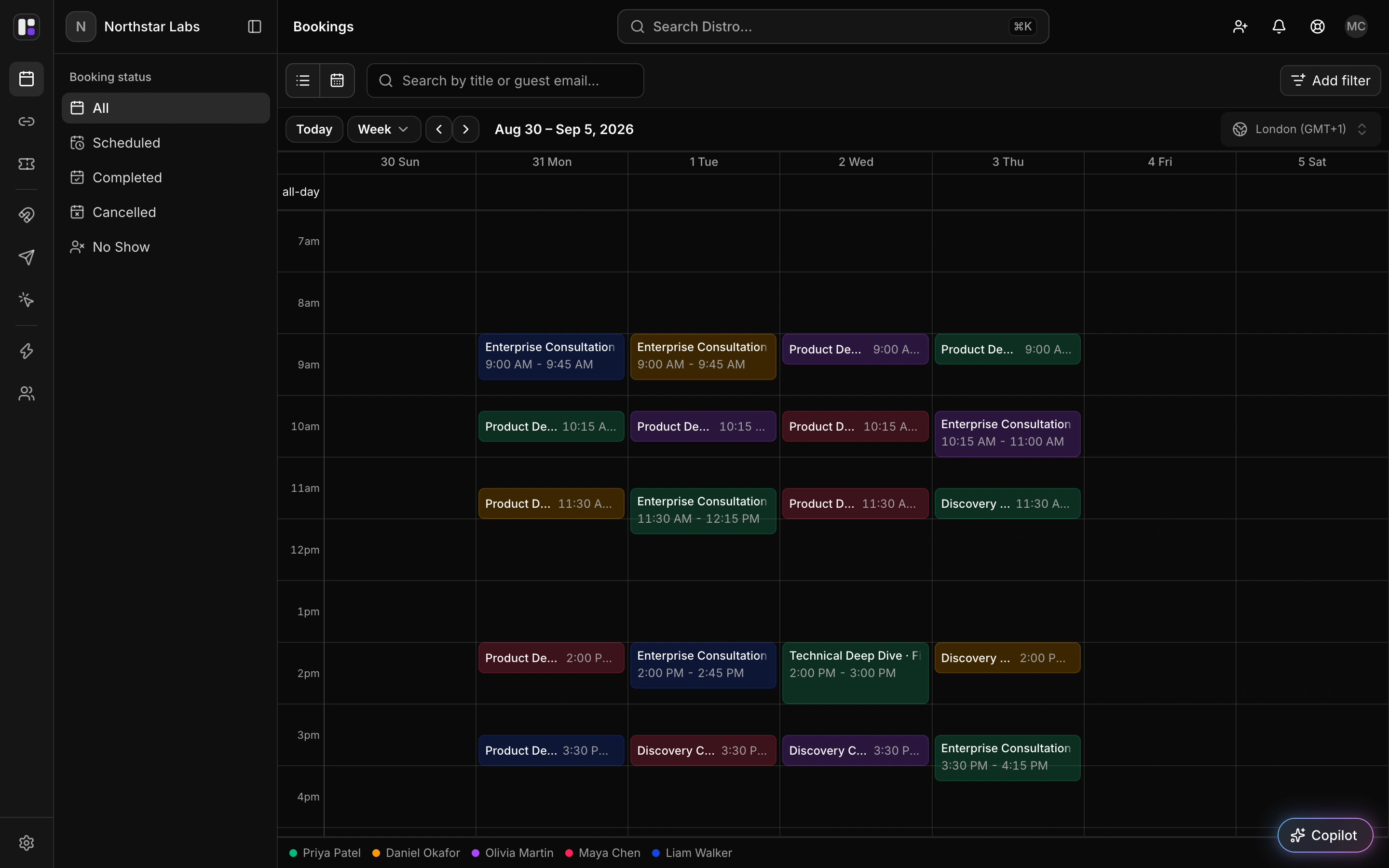
Distro bookings calendar showing a week of scheduled meetings across the team, with booking status filters and a timezone selector.
Distro bookings calendar · Scheduled meetings across your team.

Give the buyer a single decision

Share one group link so the buyer chooses a time once.

Keep the meeting together

The booking includes all selected hosts in the same conversation.

FAQ

Frequently asked
questions

Can an AE and a solutions specialist use the same booking link?

Yes. Select both as hosts on a group booking link. The guest sees times when both are available.

Can we include a third host?

Yes. Group links support two or three selected team members.

Will the system choose any available specialist from a pool?

The group-link experience described here checks the selected hosts. It does not imply automatic selection from a rotating specialist pool.

Do the hosts receive separate meetings?

No. The selected hosts are booked on the same meeting.

Get the right expertise
into the same call.

See how group booking works for an AE, a specialist, and the buyer they’re meeting.